
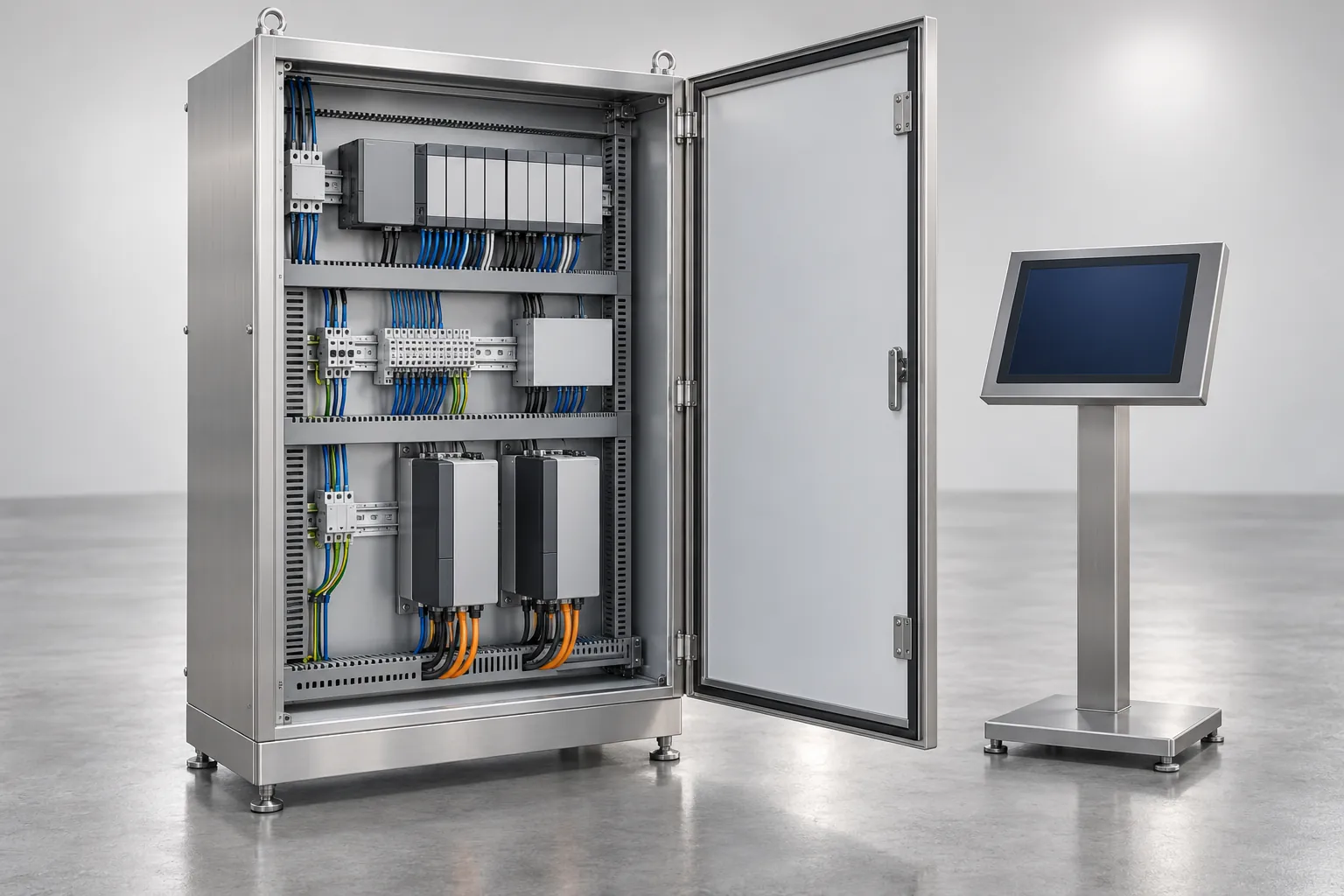
PLC, HMI and Motion Control: Roles in a Packaging Machine
How the PLC, HMI, motion controller, servo drives, field I/O and safety circuit divide the work in a packaging machine, and what to request from suppliers.
Read guideGuides to controls, actuation, line integration and machine vision for packaging equipment, written for buyers, engineers and maintenance teams.
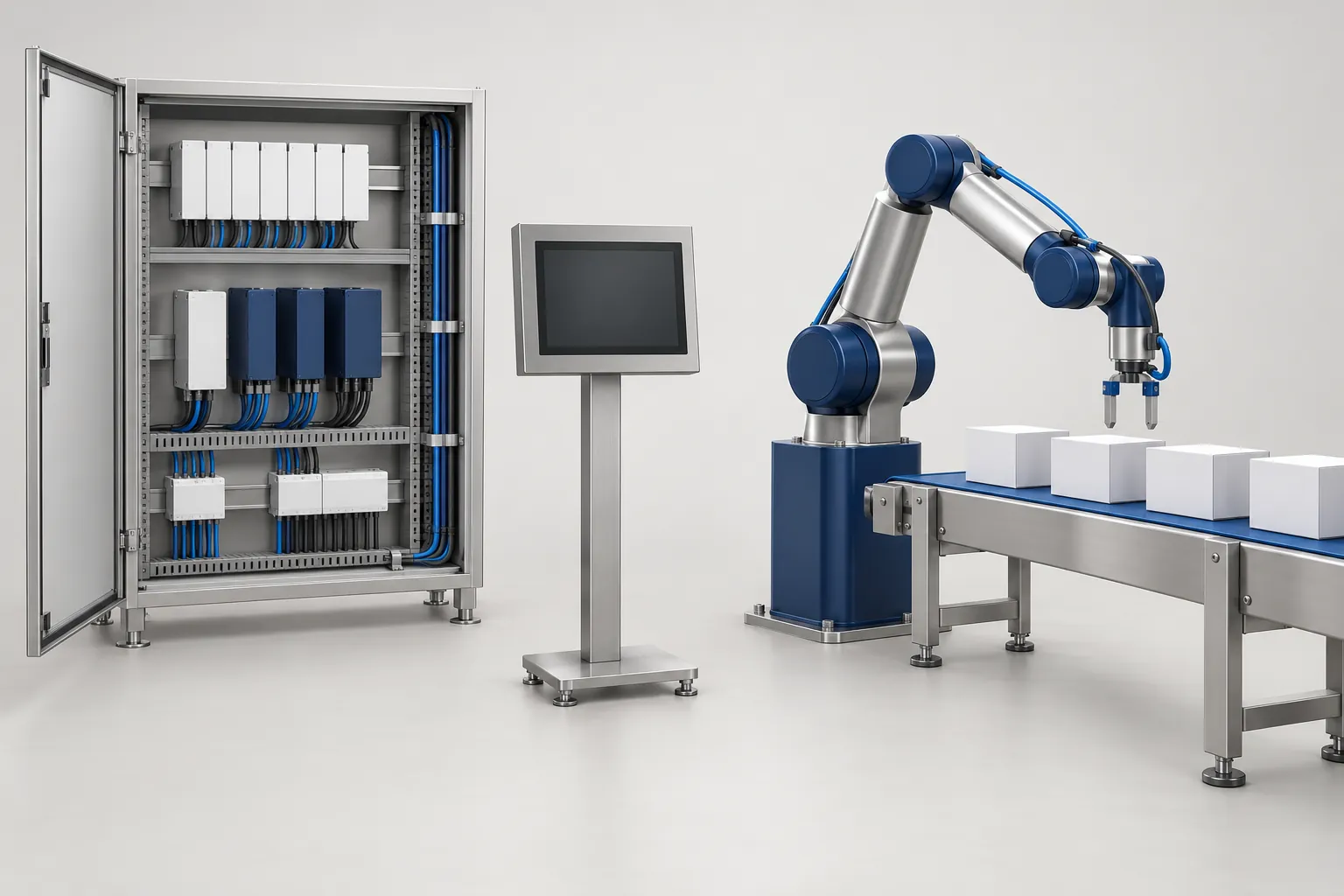
Packaging automation is the controls, motion, signals and inspection that let individual machines work together as a line. The guides here are for the people who specify, buy, integrate or maintain that equipment: buyers reading a control scope, engineers matching interfaces, and the maintenance and quality staff who inherit the result.
Each guide describes the principle in plain terms, compares options by the conditions that favor them, and lists the documents and checks to request. None of them replaces the supplier’s manuals, your site’s risk assessment or the judgment of qualified engineers.
Swipe sideways to see the other columns. The first column stays visible.
| Task or process step | What to decide | Guide |
|---|---|---|
| Reading a machine control scope | Which controller does what, who owns the program, what to request | PLC, HMI and motion control roles |
| Choosing how axes are driven | Servo or pneumatic per axis, with changeover, maintenance and utility effects | Servo vs. pneumatic actuation |
| Adding a machine to a line | Interfaces, signals, safety zones, buffer and who confirms each | Line integration checklist |
| Deciding what to automate | Which station or cell to change, how much operator work remains and what to demonstrate | Choosing a packaging automation system |
| Reviewing an announced aseptic carton filler | Affected stations, comparison limits and evidence to request from the supplier | SIG Neo aseptic filler line review |
| Choosing a pallet pattern for a palletizer | Column or interlocked pattern, how the palletizer forms each layer, sheets and containment | Pallet stacking patterns compared |
| Adding camera inspection | Which visible features to check, samples, lighting, rejects | Machine vision inspection tasks and limits |
| Writing the request to suppliers | Where controls and interfaces fit in the specification | Packaging machine RFQ checklist |
| Planning acceptance tests | What to test at the factory and what on site | FAT vs. SAT for packaging equipment |
| Finding the limiting machine | Where stoppages start and how they spread | Packaging line bottlenecks |
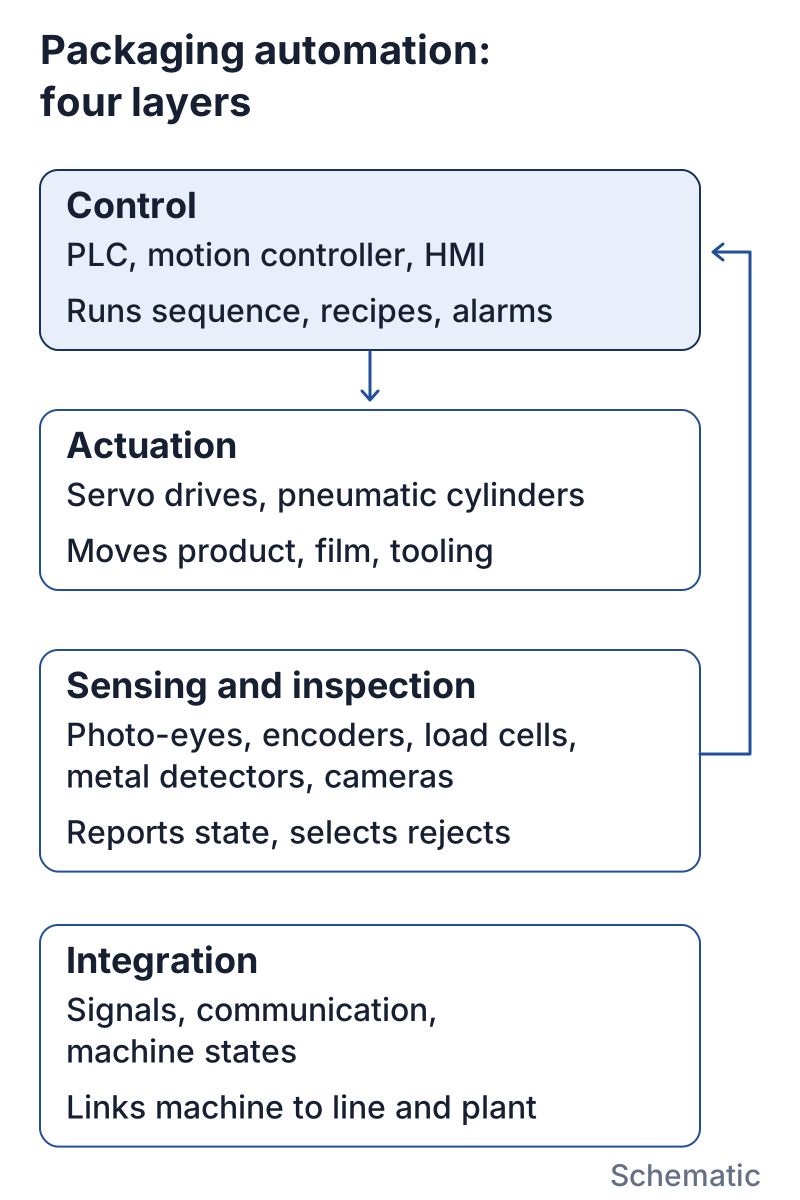
Packaging automation is the use of controls, powered actuators and sensors to carry out packaging steps such as dosing, forming, sealing, inspecting, cartoning and palletizing without an operator handling each pack, and to coordinate the machines that perform those steps. It works in four technical layers:
Packaging automation equipment therefore ranges from a single automatic machine, such as a case erector with its own controls, to a line where fillers, wrappers, inspection devices and end-of-line machines share signals and stop rules. Packaging automation companies span the same range. Some build one automated machine and supply it with its controls. Others act as integrators or turnkey suppliers and take responsibility for several machines and the interfaces between them. When you compare packaging automation systems, first establish which of these scopes each offer covers, because a machine quote and a line quote leave different interfaces to you.
Manufacturing engineering texts commonly divide automated production into fixed, programmable and flexible automation. The definitions below use Mikell P. Groover’s classification in Automation, Production Systems, and Computer-Integrated Manufacturing and his Britannica article. Yoram Koren and colleagues introduced reconfigurable manufacturing systems in CIRP Annals (1999); Koren, Gu and Guo revisit the design principles in their 2018 review. Full references and access limits appear below. Packaging machines are rarely labeled with these terms, and one line often mixes several of them, but they help explain what a supplier means when a quote says “flexible”.
Swipe sideways to see the other columns. The first column stays visible.
| Type | Definition in the source | Where it can appear on a packaging line (our examples) | What to ask the supplier |
|---|---|---|---|
| Fixed (hard) automation | The sequence of operations is fixed by the equipment configuration; the “program” sits in cams, gears, wiring and other hardware that is not easily changed over (Groover) | Mechanically cammed machines and dedicated tooling built around one pack format | What parts and adjustments are needed to run another size, and are they in the quote? |
| Programmable automation | The equipment is reprogrammed and changed over for each new batch, with nonproductive time between batches (Groover) | Servo-driven machines whose recipes are selected on the HMI, while change parts are still fitted during a format changeover | Which settings load from the recipe, which steps stay manual, and how is changeover time measured? |
| Flexible automation | An extension of programmable automation: product variety is limited so changeover is very quick and automatic, programming is done off-line, and products need not be run in batches (Groover) | Cells where robots or servo axes switch between a defined set of formats without stopping for change parts | Which formats are in the defined set, and what work is needed to add a new one? |
| Reconfigurable system | Designed at the outset for rapid change in structure, hardware and software, to adjust capacity and functionality within a part family (Koren et al.) | Modular machines or lines where modules can be added, removed or rearranged as volumes or formats change | Which modules can be added later, and which interfaces must be specified now so that is possible? |
The third column is our illustration, not part of the source definitions. Two practical points follow from the table. First, servo axes alone do not make a machine flexible in Groover’s sense: if every format change still needs change parts and a stop, the machine is programmable. The format changeover checklist shows how to measure what a changeover really involves. Second, the more types one line mixes, the more depends on written interfaces and acceptance criteria, which the line integration checklist and the FAT vs. SAT guide cover.
This section does not cover:
Who owns the machine program and its backups? The control scope should name the software versions, the source code arrangement and the backup method. The control roles guide lists the documents to request.
Is the safety function separate from standard control? Safety functions come from the machine risk assessment and are normally handled apart from the standard PLC. Ask for the safety documentation and have qualified people review it.
Which axes need programmable motion, and which only need a stroke? One machine often has both. The actuation comparison sets out the conditions that favor each type, including effects on changeover and maintenance.
What happens at the boundary with the next machine? Write down the handshake signals, stop behavior and buffer arrangements before the order. The interface checklist has a matrix of who defines, supplies and confirms each one.
What should a camera check, and what should it not be trusted with? Vision checks visible features and needs defined defects and good and bad samples. As the vision guide explains, it does not replace seal testing, metal detection or weight checks. For the other devices, see the checkweigher vs. metal detector comparison.
How will the controls and interfaces be accepted? Decide early which checks happen at the supplier’s site and which on yours, using the FAT vs. SAT guide.
The guide map shows how the automation topics relate. The controls (PLC, HMI and motion control) sit in the center. Actuation choices and inspection feed into them, and the line integration checklist ties the machine to its neighbors. The path then leads to acceptance, where the agreed behavior is proved at the factory and on site.
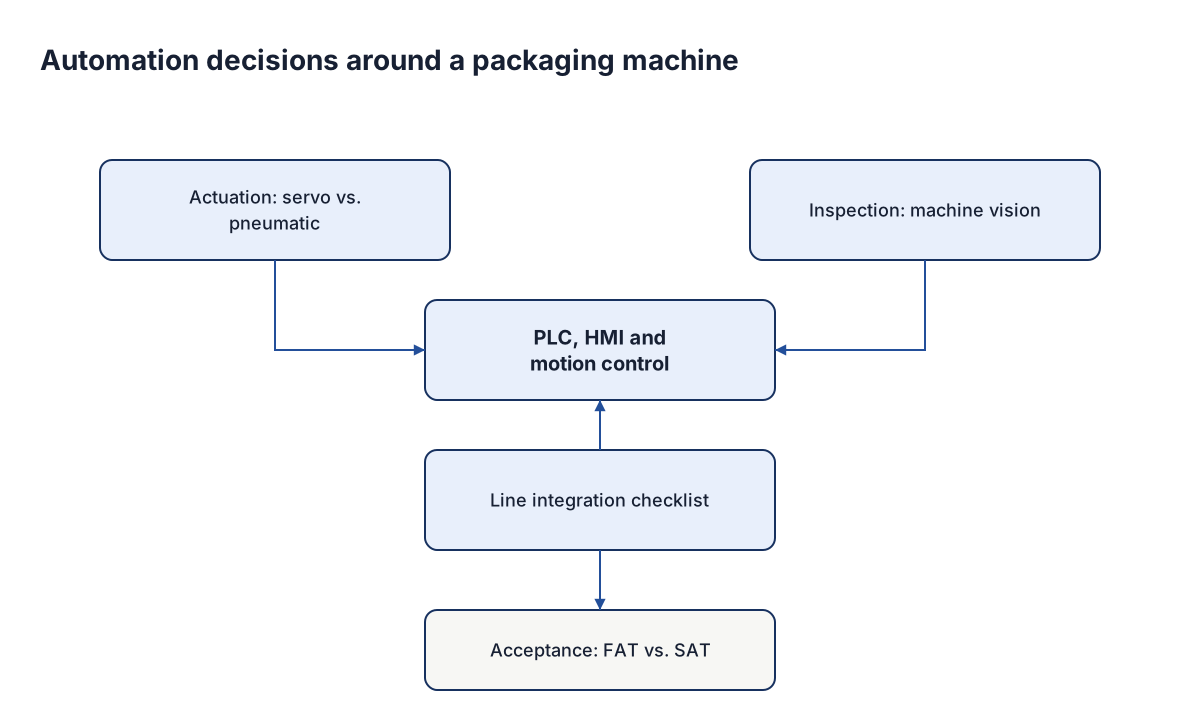
Readers new to the topic should start with the control roles, since the other guides use the same terms. An engineer comparing quotes can go straight to the actuation guide and the integration checklist. A quality manager planning camera inspection mostly needs the vision guide, plus the integration checklist so that reject signals and stop behavior are agreed.
Swipe sideways to see the other columns. The first column stays visible.
| Term | Meaning in these guides |
|---|---|
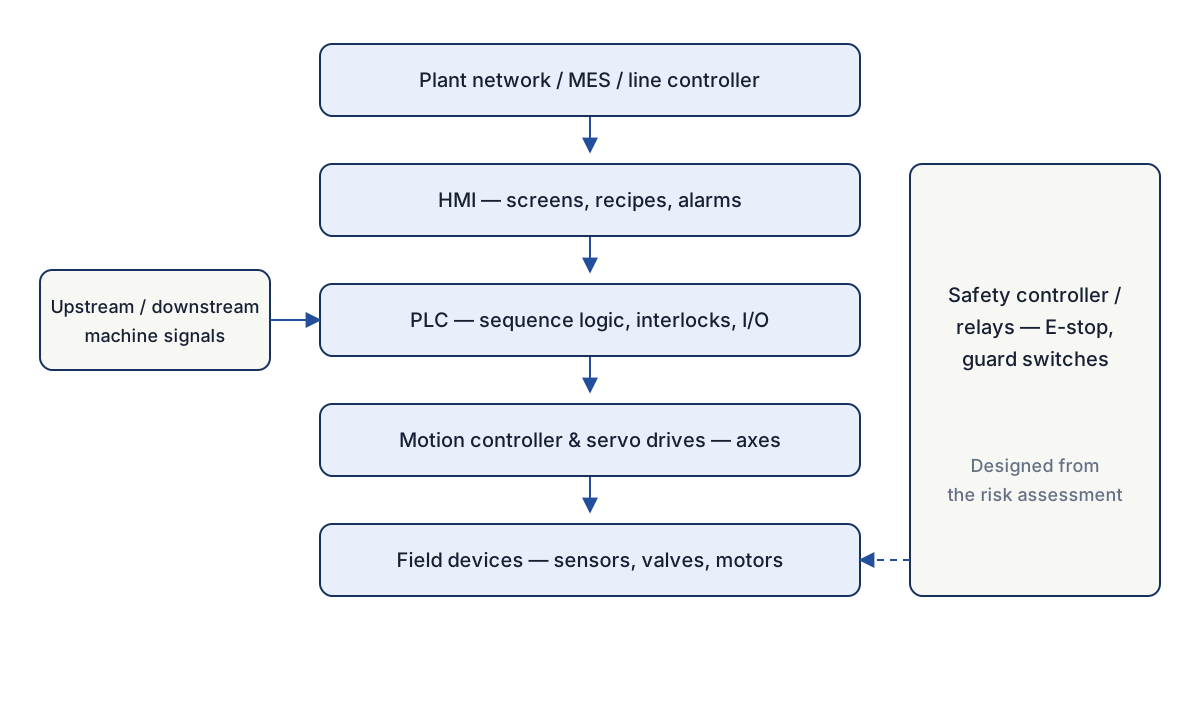
| PLC | The programmable controller that runs machine sequence logic and interlocks |
| HMI | The operator interface for screens, recipes, alarms and settings |
| Motion controller | The unit that coordinates axis position and speed through drives |
| Servo axis | A motor-driven axis with feedback, so position, speed and torque can be programmed |
| Pneumatic axis | An axis moved by compressed air, usually between mechanical stops |
| Interface | A defined point of mechanical, electrical, signal, communication, safety or utility connection |
| Handshake | An exchange of signals that tells a machine whether the neighbor is ready to pass or receive product |
| Machine vision | Camera-based inspection of features that are visible in an image |
| Reject confirmation | A signal showing that a rejected pack actually left the line |
| FAT and SAT | Factory and site acceptance tests, run against criteria agreed beforehand |
Automation decisions depend on the machines being automated. The packaging section explains the machine types and where their control interfaces sit, and the cartoner and case packer comparison is an example of end-of-line interfaces. Plant operations covers running the result, where machine state data feeds bottleneck analysis. The materials and inspection section describes inspection devices beyond cameras. Once the controls scope and interfaces are ready to go into a purchase, the buying guides are next.
Reviewed 8 October 2026. Packaging applications in the classification table are editorial examples, not claims from these publications or tests of a machine.
How the PLC, HMI, motion controller, servo drives, field I/O and safety circuit divide the work in a packaging machine, and what to request from suppliers.
Read guide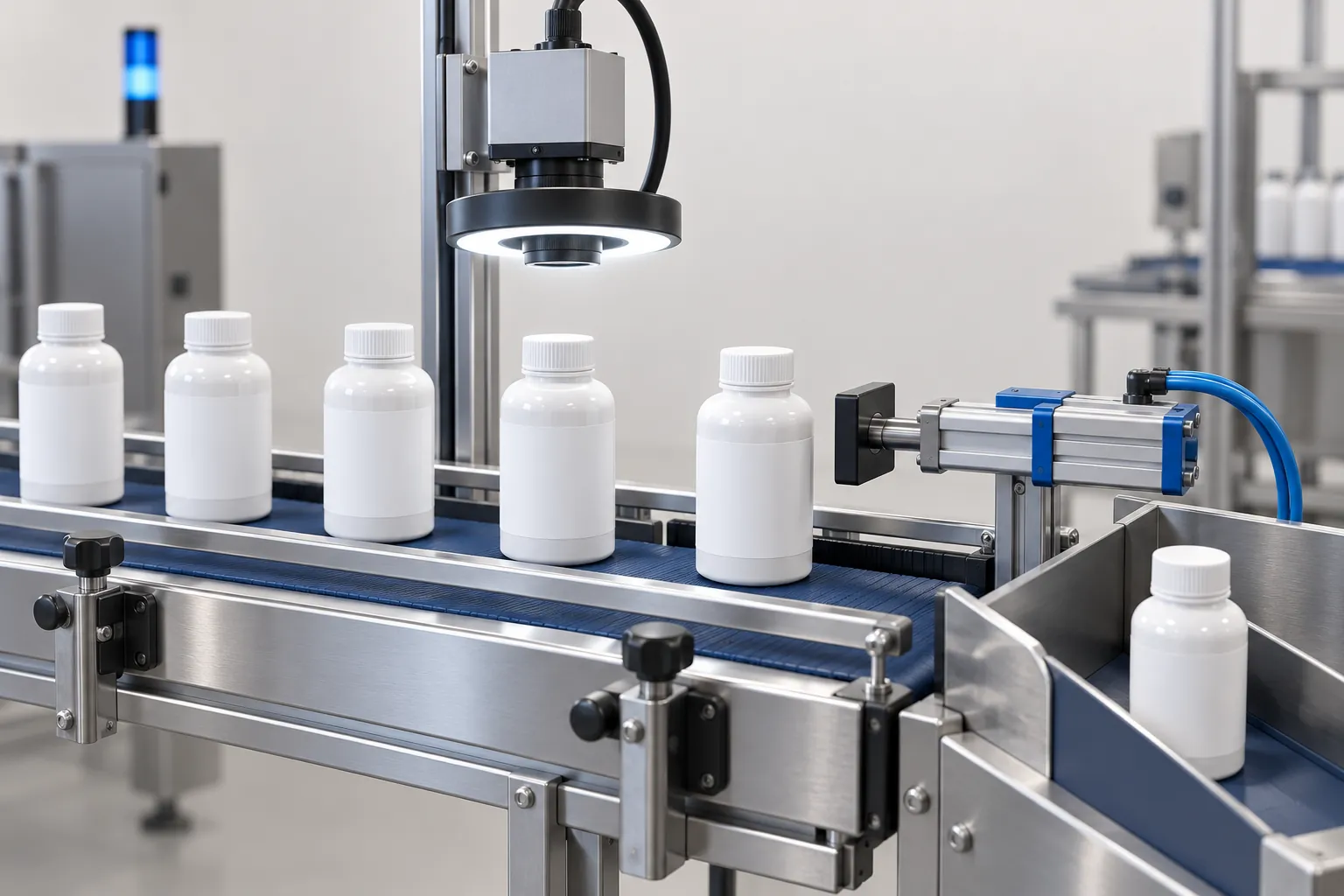
What machine vision can check on a packaging line, what each task needs in samples, lighting and rejects, and where it cannot replace other tests.
Read guide
SIG announced XSlim 32 and Midi 15 aseptic carton fillers. Map its claims to affected stations, comparison limits and evidence to request.
Read guide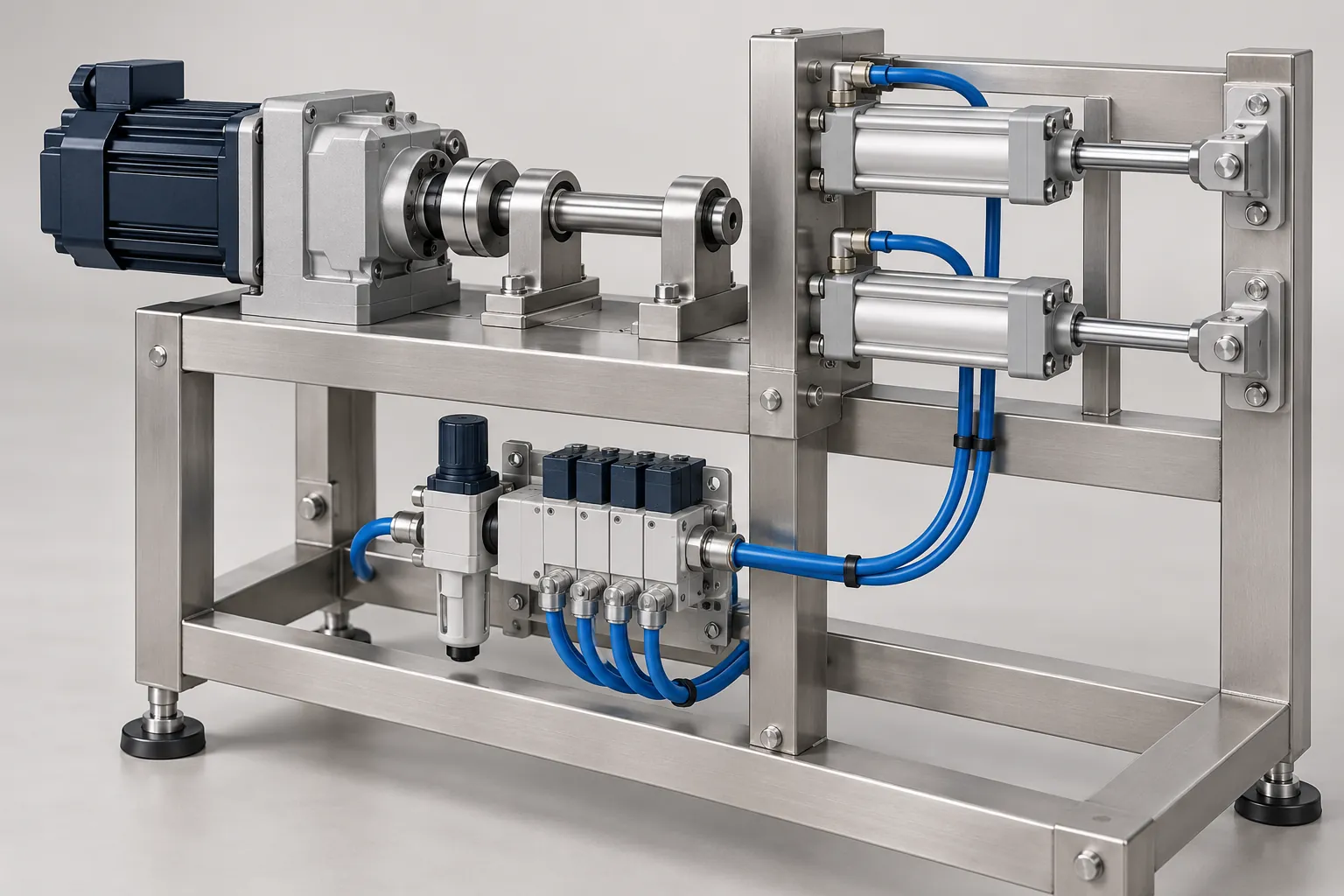
Compare servo and pneumatic axes in packaging machines by motion profile, load, changeover, maintenance, utilities and hygiene, plus supplier questions.
Read guide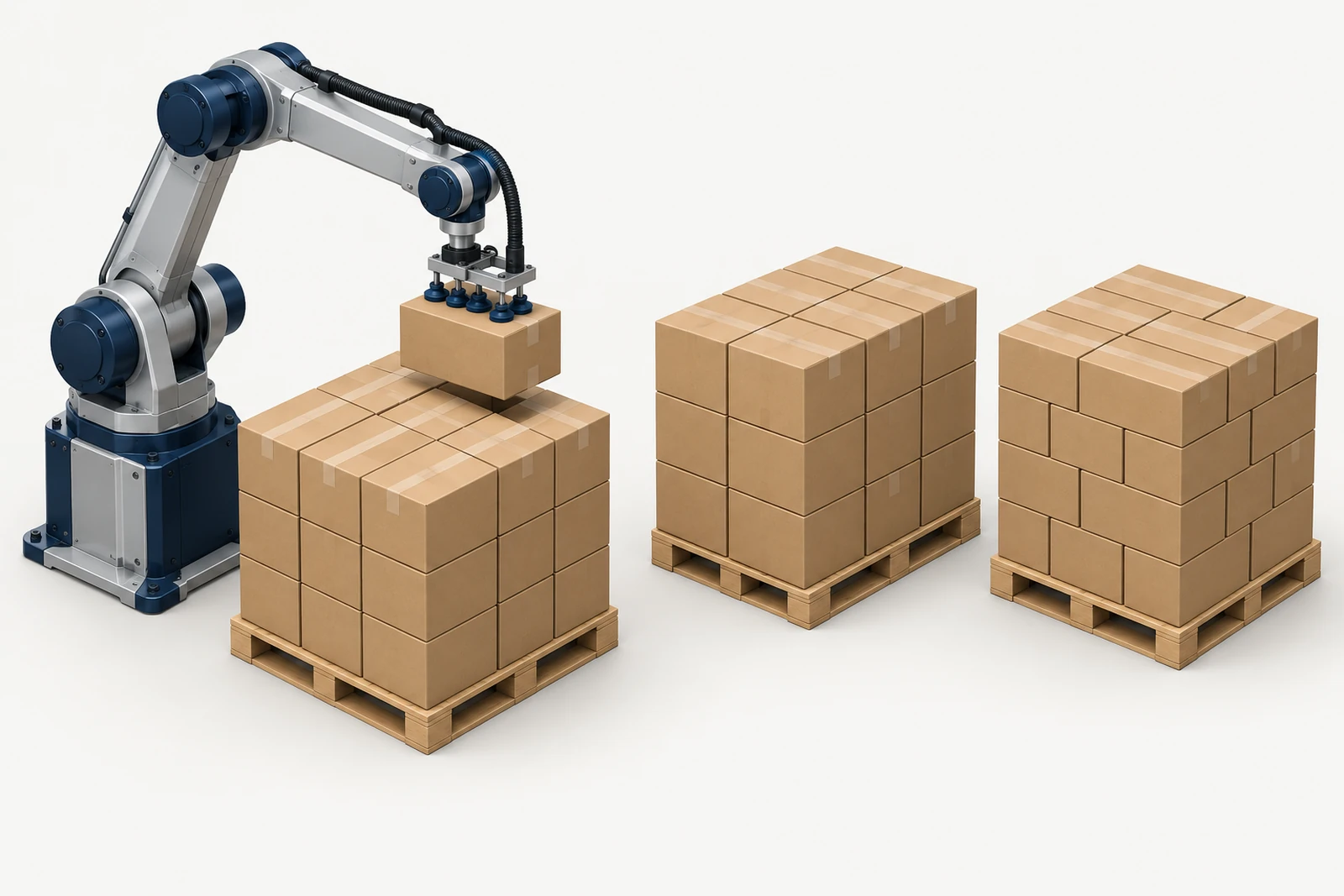
Compare column, brick, split-row and pinwheel pallet patterns by layer interlock, box compression, stability, how a palletizer forms each layer and containment.
Read guide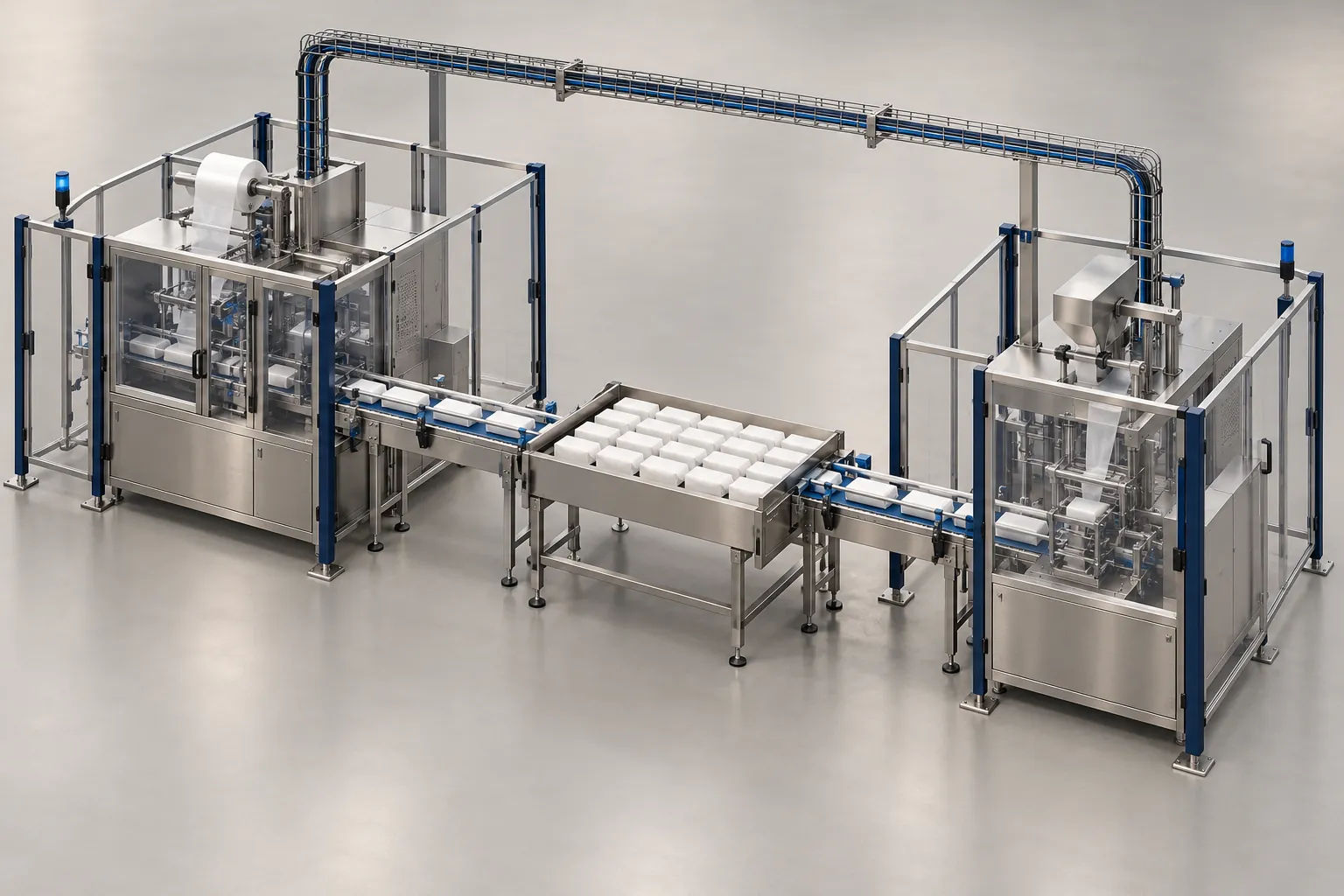
Checklist of mechanical, electrical, signal, communication, safety and utility interfaces to settle before ordering a machine for a packaging line.
Read guide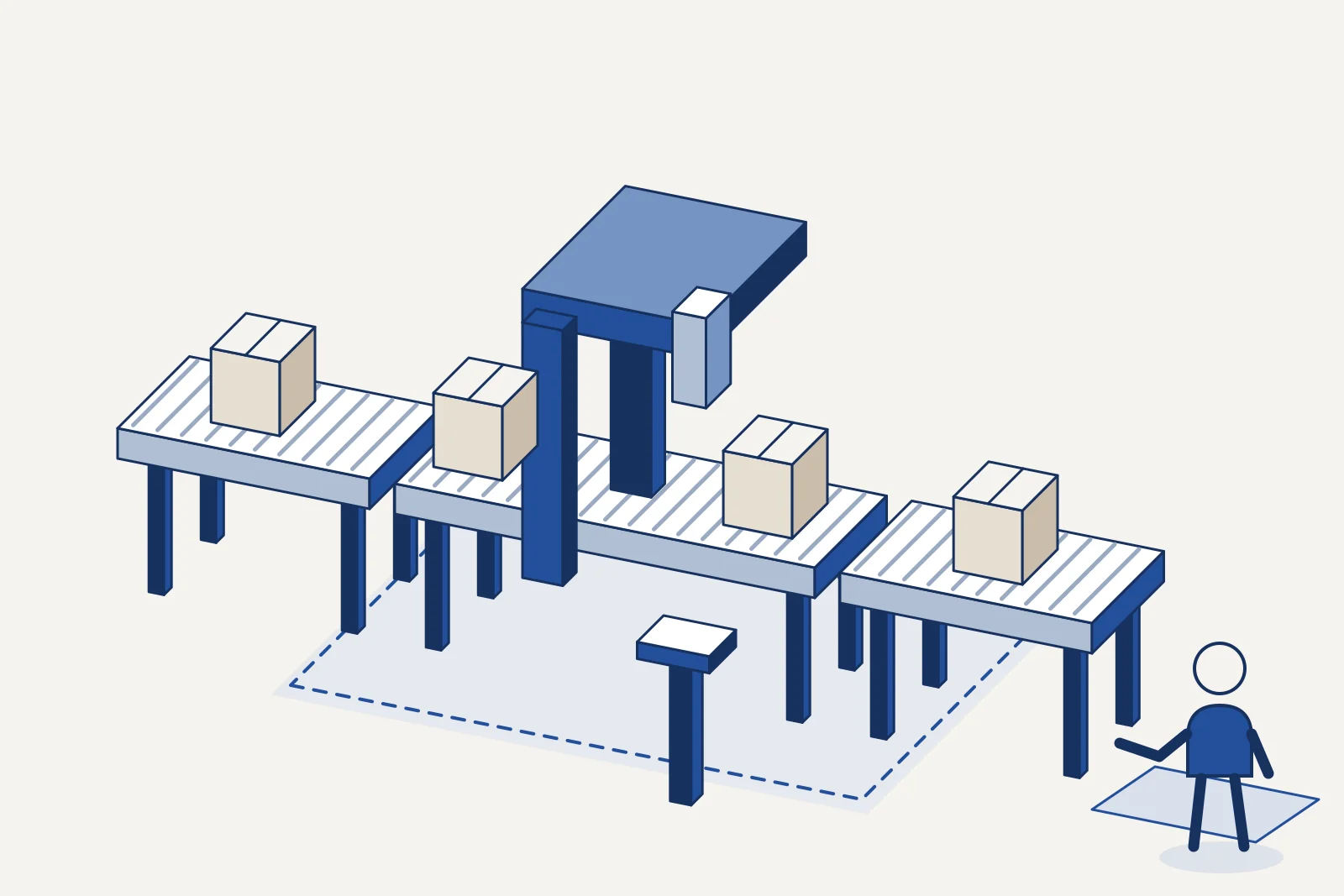
Choose packaging automation by the task, format range, operator work and proof required, then use a project checklist to compare scopes.
Read guide