
Choose a Packaging Automation System: Scope and Level
Choose packaging automation by the task, format range, operator work and proof required, then use a project checklist to compare scopes.
Choose the smallest automation scope that meets a documented packaging task, supports the required format range and can be demonstrated with your products.
Applies to: Project teams choosing the scope and degree of packaging automation before model selection; excludes machine-specific setup and financial calculations.
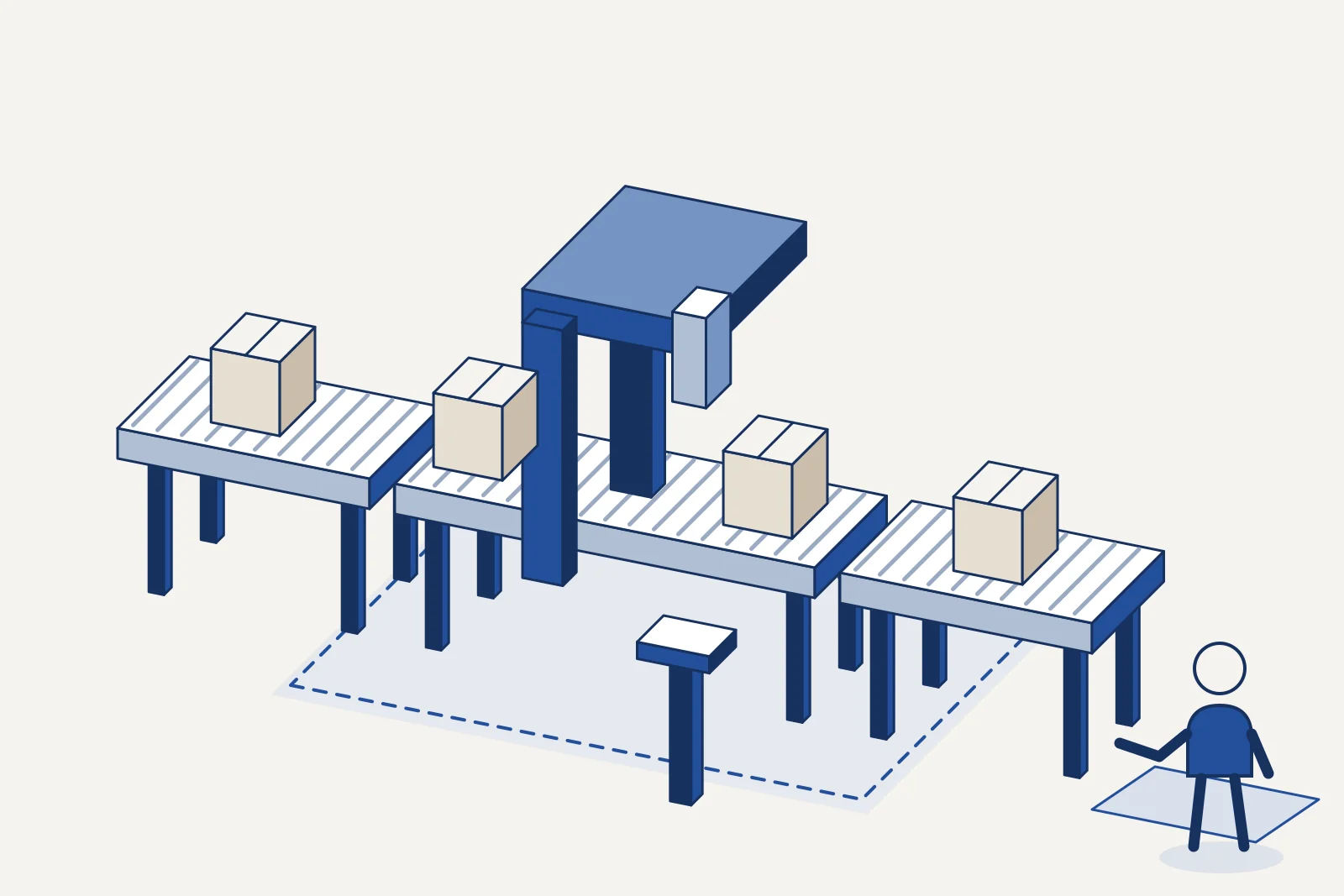
Automating the wrong station can leave the line constraint untouched. Choose a packaging automation system by defining the work it must complete, the format range it must handle and the evidence that will demonstrate success.
This guide is for teams deciding what to automate before asking for equipment proposals. It provides an editorial selection method and a project checklist. Detailed machine selection belongs in the packaging guides; interface specifications belong in the line integration checklist.
Start with the task and the records you have
Describe the packaging task before choosing an automation level. A requirement such as “reduce hand loading at case packing” gives a proposal a boundary; “make the line fully automatic” does not identify the work or the people still needed.
Swipe sideways to see the other columns. The first column stays visible.
| Input or item | Typical value or source | Why it matters |
|---|---|---|
| Product and pack range | Approved samples and drawings | Defines handling and tooling boundaries |
| Required finished output | Production plan and shipment demand | Defines the result to demonstrate |
| Present constraints | Shift records and observed stoppages | Identifies where an intervention could help |
| Format sequence | Actual schedule and changeover log | Reveals the variety the system must accommodate |
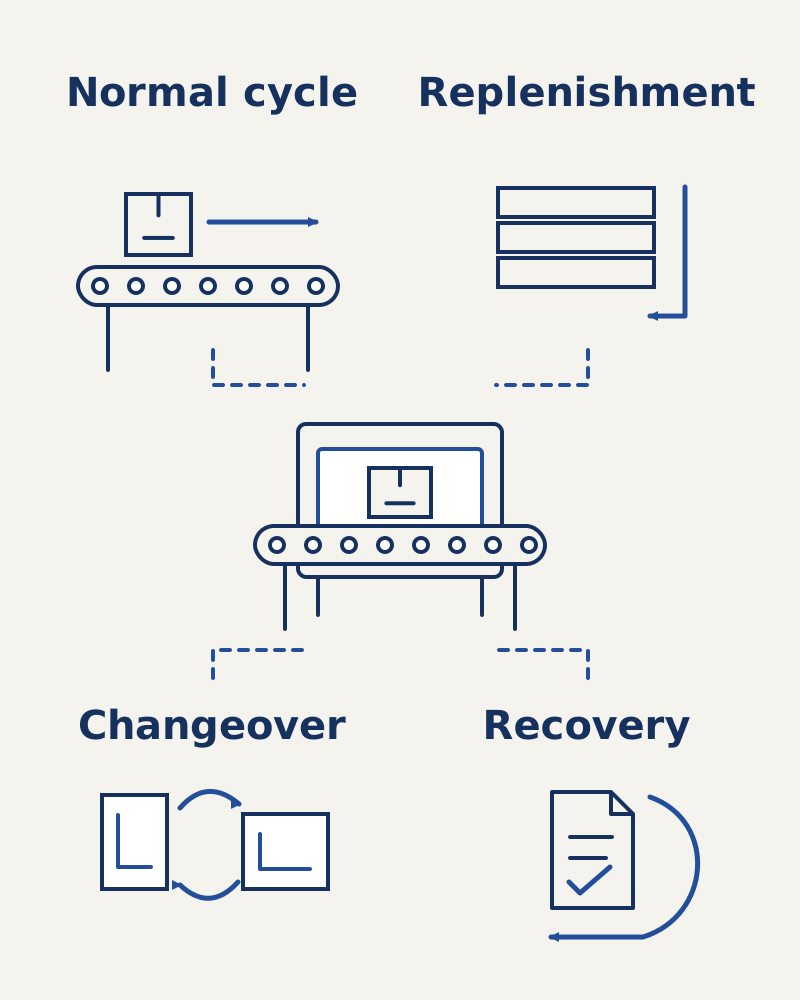
| Operator tasks | Observations agreed with operators | Separates cycle work from replenishment and recovery |
| Project boundary | Site layout and responsibility list | Shows which interfaces remain with the plant |
Record the source and date of each input. If a requirement is a forecast, mark it as a forecast and name the person responsible for it. Do not turn a future sales aspiration into a guaranteed production obligation without a review of the underlying demand.
Use the packaging-line bottleneck guide to organize the investigation when the problem is line output. If the objective is handling, access or consistency, record that objective separately. These are different reasons to automate and can produce different candidate scopes.
Takeaway: A useful brief names a task, a boundary and an observable result.
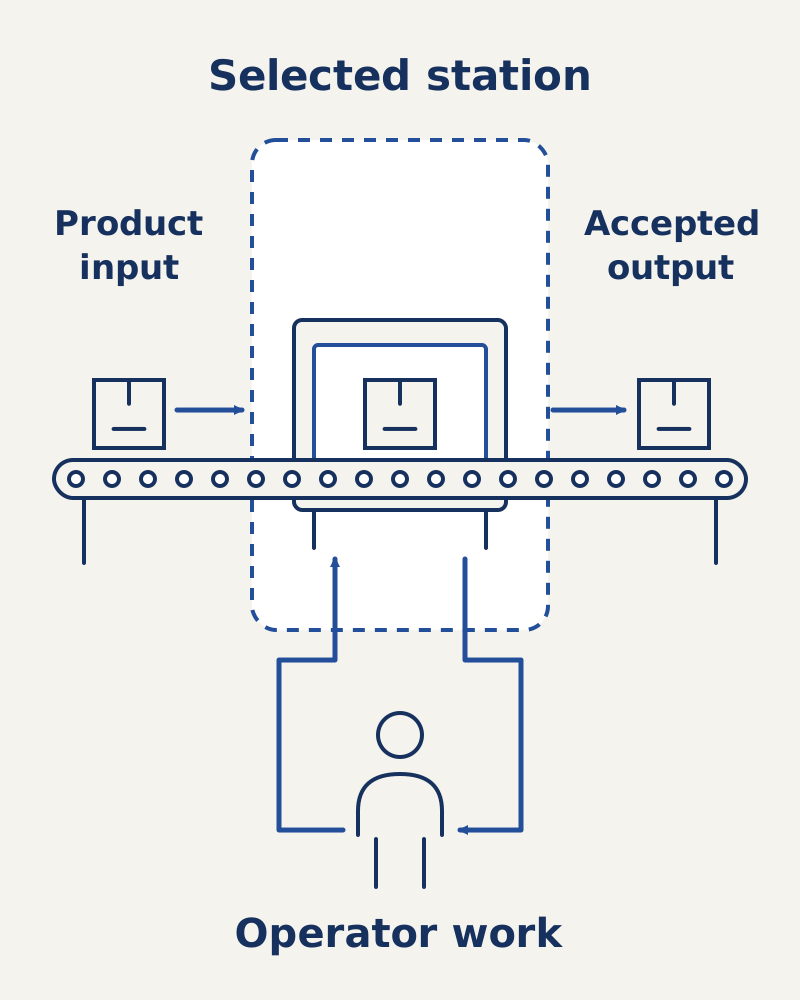
Separate operator involvement from automation type
Manual, semi-automatic and automatic describe who performs particular tasks in a proposed setup. Fixed, programmable and flexible describe how an automated production system accommodates variety. Keep these questions separate.
Groover’s textbook defines fixed automation as an operation sequence determined by the equipment configuration. Programmable automation can change that sequence through programs, with setup and reprogramming between batches. Flexible automation extends programmable automation to a defined product variety with virtually no changeover production loss. These are manufacturing-system definitions, not promises about a packaging machine.
Swipe sideways to see the other columns. The first column stays visible.
| Question | Record in the proposal | Interpretation |
|---|---|---|
| Who presents the product? | Operator, conveyor or another device | Identifies cycle work remaining at the input |
| Who removes finished packs? | Operator or downstream equipment | Identifies the output boundary |
| Who replenishes materials? | Role and access arrangement | Reveals work beyond normal cycling |
| Who changes formats? | Recipe, adjustments and change parts | Describes the actual change procedure |
| How is variety accommodated? | Configuration, programs and physical setup | Supports an automation-category description |
A robot is a device within a system. Ask what work the proposed robot performs and what product presentation it needs, rather than treating its presence as proof of flexible automation. Similarly, a touchscreen recipe list is evidence of stored settings; ask which mechanical adjustments remain. The PLC, HMI and motion-control guide explains those control roles.
Takeaway: Describe both the system’s variety capability and the operator’s remaining work.
Choose the scope with an editorial decision method
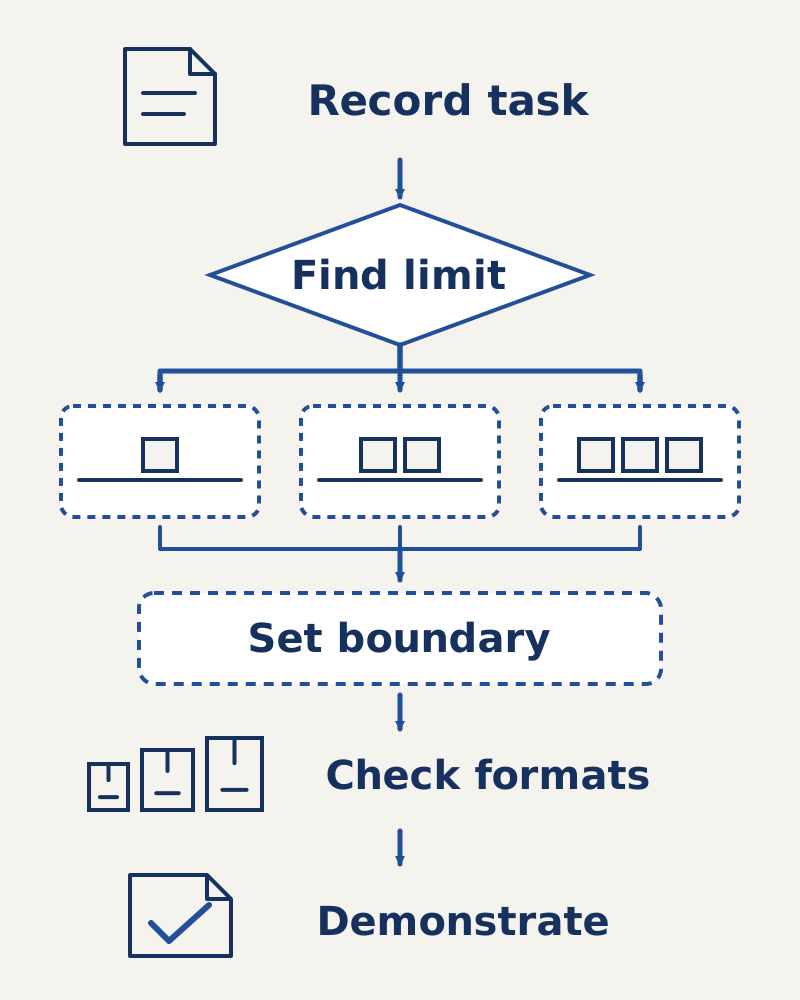
Use the following sequence to shortlist scopes. This is our editorial method for organizing a comparison, not a published standard or a numerical scoring tool.
- Locate the task. Write the process step and its upstream and downstream neighbors. Use the machine-type overview when terminology in proposals differs.
- Identify the limiting condition. Record what prevents the required result: presentation, a processing step, inspection, changeover or a downstream constraint. Keep observations separate from possible causes.
- Compare intervention boundaries. Consider a single station, a connected cell or a wider line change. For each, list work moved to equipment and work retained by people.
- Check format coverage. Put the actual product and pack families against the proposed setup and change procedure. Use the format-changeover checklist for the detailed record.
- Define the demonstration. Choose samples, operating conditions and a measurable acceptance record before asking for commitments.
If the problem is confined to a station, start by evaluating that station and its immediate interfaces. If the observed constraint moves between stations or depends on shared handling, include the affected interfaces in the candidate scope. If the inputs remain uncertain, resolve the uncertainty before naming a preferred automation level.
Common mistake: Counting every task removed from normal cycling as a task eliminated from the operation. Replenishment, clearing faults, format preparation and maintenance still need named owners in the proposed arrangement.
Use these conditional candidates to decide the degree of automation as well as the boundary. They are editorial starting points to investigate, not claims of guaranteed suitability.
Swipe sideways to see the other columns. The first column stays visible.
| Observed project condition | Candidate to investigate | Remaining work to record | Evidence that could rule it out |
|---|---|---|---|
| Current process can meet the documented task | Retain or improve the present arrangement | Current tasks and changed work practices | Records showing the requirement still cannot be met |
| A specific handling task needs assistance | Operator-assisted station | Presentation, release and exceptions | Trial fails the defined handling objective |
| A repeatable cycle is the documented target | Automatic station cycle | Replenishment, format work and recovery | Inputs or format changes cannot be supported |
| The task depends on neighboring stations | Connected cell or line scope | Interface and line-support responsibilities | Demonstration leaves the cross-station requirement unresolved |
| The range needs rapid transitions within a defined set | Investigate a flexible arrangement | Preparation and exceptions outside the set | Agreed format sequence cannot be demonstrated |
Before preferring a candidate, hand its scope and assumptions to the total-cost review. If feasibility remains unresolved, keep the option conditional rather than calling automation justified.
Takeaway: Choose a candidate level from observed work, and expand the boundary when the task crosses it.
Compare candidates on the same dimensions
Use a comparison matrix whose rows come from the project, rather than the features a supplier happens to emphasize. Mark unresolved cells for supplier clarification; do not give unknown capabilities an optimistic score.
Swipe sideways to see the other columns. The first column stays visible.
| Comparison dimension | Evidence to request | Decision it supports |
|---|---|---|
| Required finished result | Demand record and demonstration under the agreed format sequence and operator allocation | Whether the scope meets the documented task |
| Covered products and packs | Format list and representative samples | Whether the proposed scope matches the range |
| Operator involvement | Task allocation during running and exceptions | Whether the work change meets the objective |
| Material presentation | Input specification and trial record | Whether the upstream arrangement is included |
| Changeover | Procedure, parts and demonstrated sequence | Whether variety is supported in practice |
| Interfaces | Layout and responsibility boundary | Whether the scope can connect to the plant |
| Verification | Agreed demonstration and acceptance records | Whether claims can be tested fairly |
| Supportability | Manuals, maintenance access and training scope | Whether the team can operate the system |
Record exclusions next to inclusions. An excluded conveyor or material feed can be more important to scope comparison than a long list of included software functions. Use supplier evaluation for capability due diligence and the total-cost guide for the cost boundary; this page does not estimate payback.
For an assumed situation in which several pack sizes share a process, ask each candidate to demonstrate the same agreed format sequence. This is a suggested test arrangement, not a claim about a real plant or an assertion that any machine can cover those sizes.
Takeaway: A comparable proposal answers the same project questions with traceable evidence.
Decide what stays manual and how it is handed over
Keep a work allocation record alongside the equipment scope. It should cover ordinary production and exceptions, because an automatic cycle alone does not describe an operating shift.
For every retained task, record the owner, the trigger, the access needed and the condition for returning to production. Ask operators to review whether the proposed responsibilities match the way the work will actually be organized. Identify training and instructions that the equipment supplier includes and those the site will prepare.
Do not turn this planning exercise into instructions for accessing moving equipment. Refer safety-related questions to the qualified project team and the machine documentation. The preventive-maintenance guide helps organize maintenance responsibilities without supplying universal machine settings.
Common mistake: Selecting a higher automation label before checking the inputs. When product orientation or material quality is unresolved, record the input requirement and demonstrate it; adding more stations to the proposal does not establish compatibility.
Takeaway: Every task retained by people needs an explicit place in the proposed workflow.
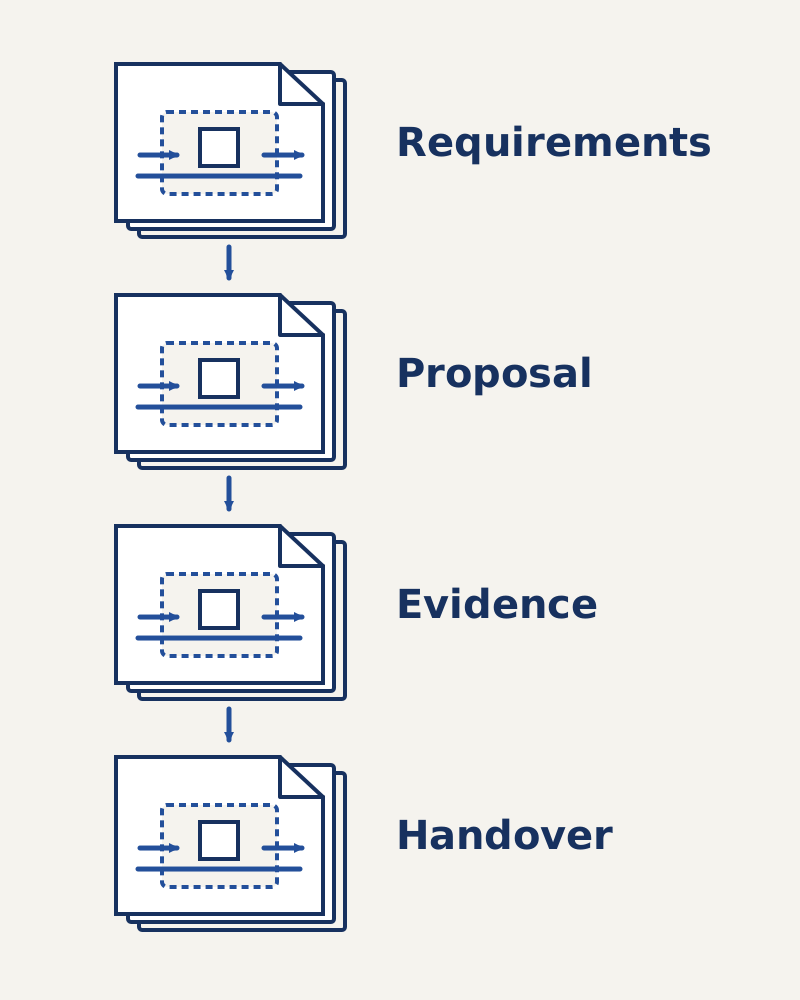
Use a project checklist before the supplier meeting
Bring a scope record to the meeting and use the checklist to identify missing decisions. The record can be printed from this page; there is no separate downloadable template.
Swipe sideways to see the other columns. The first column stays visible.
| Stage | Check | Record to keep |
|---|---|---|
| Requirement | Task, pack range and required result agreed | Requirement owner and source documents |
| Observation | Limiting conditions and operator work recorded | Dated observations, separated from hypotheses |
| Candidate scope | Included stations and exclusions listed | Boundary sketch and responsibility list |
| Proposal | Format coverage and remaining manual work described | Open-question register |
| Integration | Neighboring equipment and handovers assigned | Interface owner and linked documents |
| Demonstration | Samples, conditions and acceptance evidence agreed | Trial plan and deviation record |
| Handover | Manuals, training and maintenance responsibilities reviewed | Delivery and handover record |
Use the RFQ checklist to turn the chosen scope into enquiry fields. Use FAT versus SAT to decide where evidence will be collected. Have the acceptance owners document which evidence can be reused and which checks need repeating under the agreed plan, including changed configurations and unresolved deviations.
Use this blank decision record beside the checklist. An assigned open question can be ready for discussion without being approved for implementation.
Swipe sideways to see the other columns. The first column stays visible.
| Check or decision | Status | Evidence reference | Owner | Next action |
|---|---|---|---|---|
| Task and requirement | ______ | ______ | ______ | ______ |
| Candidate level and boundary | ______ | ______ | ______ | ______ |
| Format and operator work | ______ | ______ | ______ | ______ |
| Demonstration and feasibility | ______ | ______ | ______ | ______ |
| Implementation approval | ______ | ______ | ______ | ______ |
Assign each unresolved item to a person who can close it, rather than marking the whole proposal “under review.” A drawing needs an engineering owner; a demand forecast needs a planning owner; a sample trial needs an agreed record. Preserve the reason behind a decision so that a later format addition can be assessed against the original scope.
Takeaway: Use assigned open items for discussion; obtain the required evidence before approving the scope.
When this does not apply
This method does not select a machine model, establish a safe operating procedure or predict financial returns. It is intended for the earlier decision about automation scope and level.
Do not infer universal production-volume thresholds from the textbook categories. The categories explain manufacturing behavior; the project still needs its own product range, economics and demonstration. A smaller business can use the same scope worksheet without assuming that lower demand automatically requires manual equipment.
If there is no dependable pack specification, settle that specification first. If a proposed change alters a controlled process, bring the responsible quality and safety teams into the review. Where a single task requires specialist process validation, this checklist organizes the handoff but cannot replace that validation.
Takeaway: Use the method to prepare a decision, then obtain the specialist evidence that decision needs.
Frequently asked questions
What is packaging automation?
It is using equipment and controls to perform defined packaging tasks. For a proposal, record the included work and the operator responsibilities rather than treating the phrase as a complete line specification.
What is an automatic packaging system?
For this project review, describe it by the operations performed automatically and the inputs, output handling and exceptions assigned to people or neighboring equipment. Ask the supplier to provide that scope in writing.
What are the disadvantages of automatic packing?
Treat possible disadvantages as project questions: what additional setup, support, maintenance and input-control work will the proposed scope require? Compare the requested evidence against your current operation; this guide does not establish universal disadvantages.
How much does a packing machine cost?
This page has no verified price. First establish the scope, formats and responsibilities, then request a dated proposal and use the total-cost guide to organize the comparison.
What are the different types of packaging machines?
Use the linked machine-type overview to identify the process category. A filling, wrapping or case-packing task belongs to a different equipment decision from choosing the automation level of the surrounding system.
What is the best packaging machine?
There is no best machine established by this review. Shortlist a scope only when it matches the documented task, range and evidence requirements; use the relevant format guide for the later machine decision.
Method and sources
The automation definitions are paraphrased from Mikell P. Groover, Automation, Production Systems, and Computer-Integrated Manufacturing, fourth edition, Section 1.2.1, pages 24–25, in the publisher textbook preview, accessed October 8, 2026. The selection sequence, packaging applications and worksheets organize project requirements.
Related reading: the automation hub locates the control and integration topics that follow scope selection; the packaging RFQ checklist carries the decision into proposal preparation.
Update history
- : First published.
Next steps
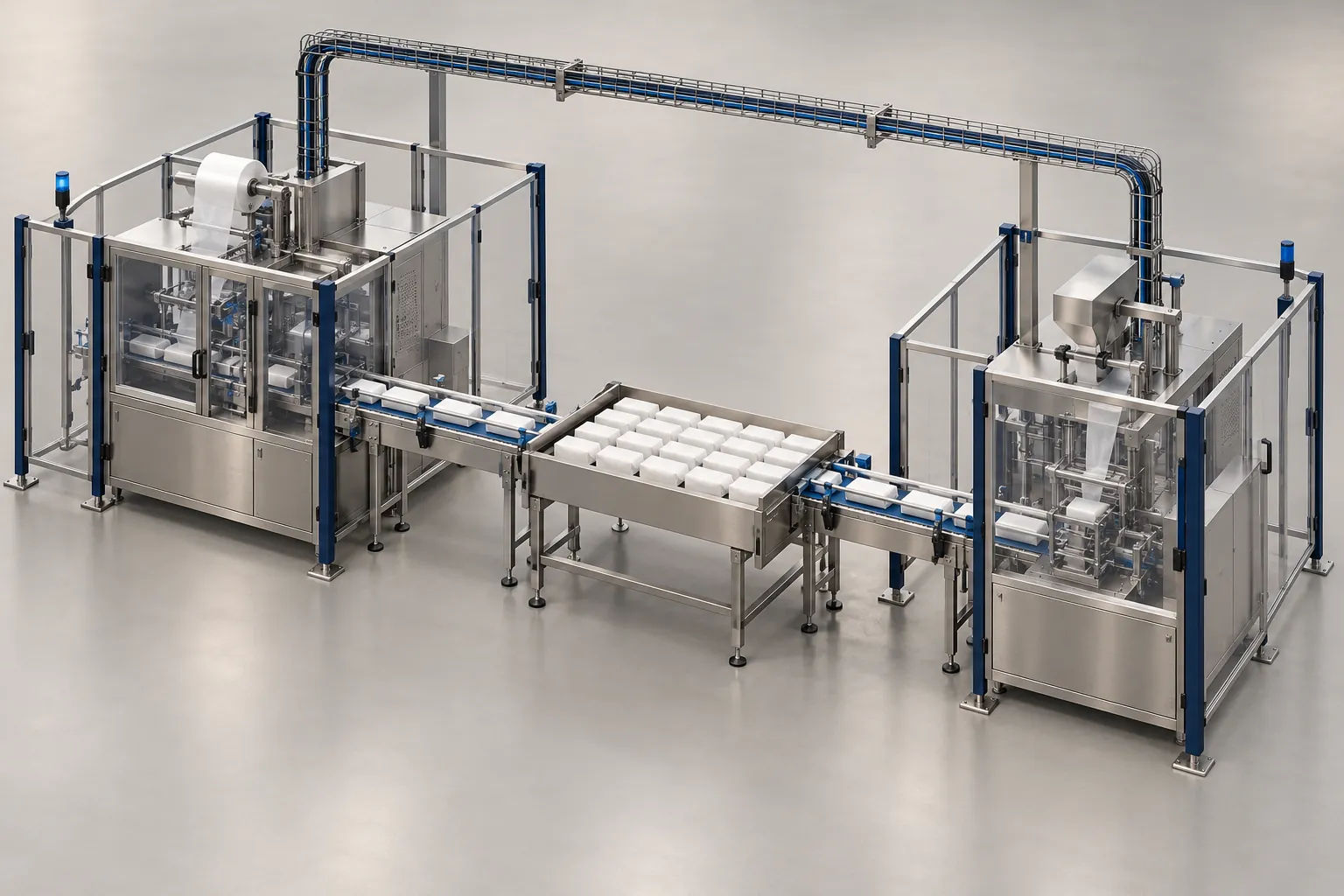
Packaging Line Integration Checklist: Interfaces to Confirm Before Ordering
Checklist of mechanical, electrical, signal, communication, safety and utility interfaces to settle before ordering a machine for a packaging line.
Read guide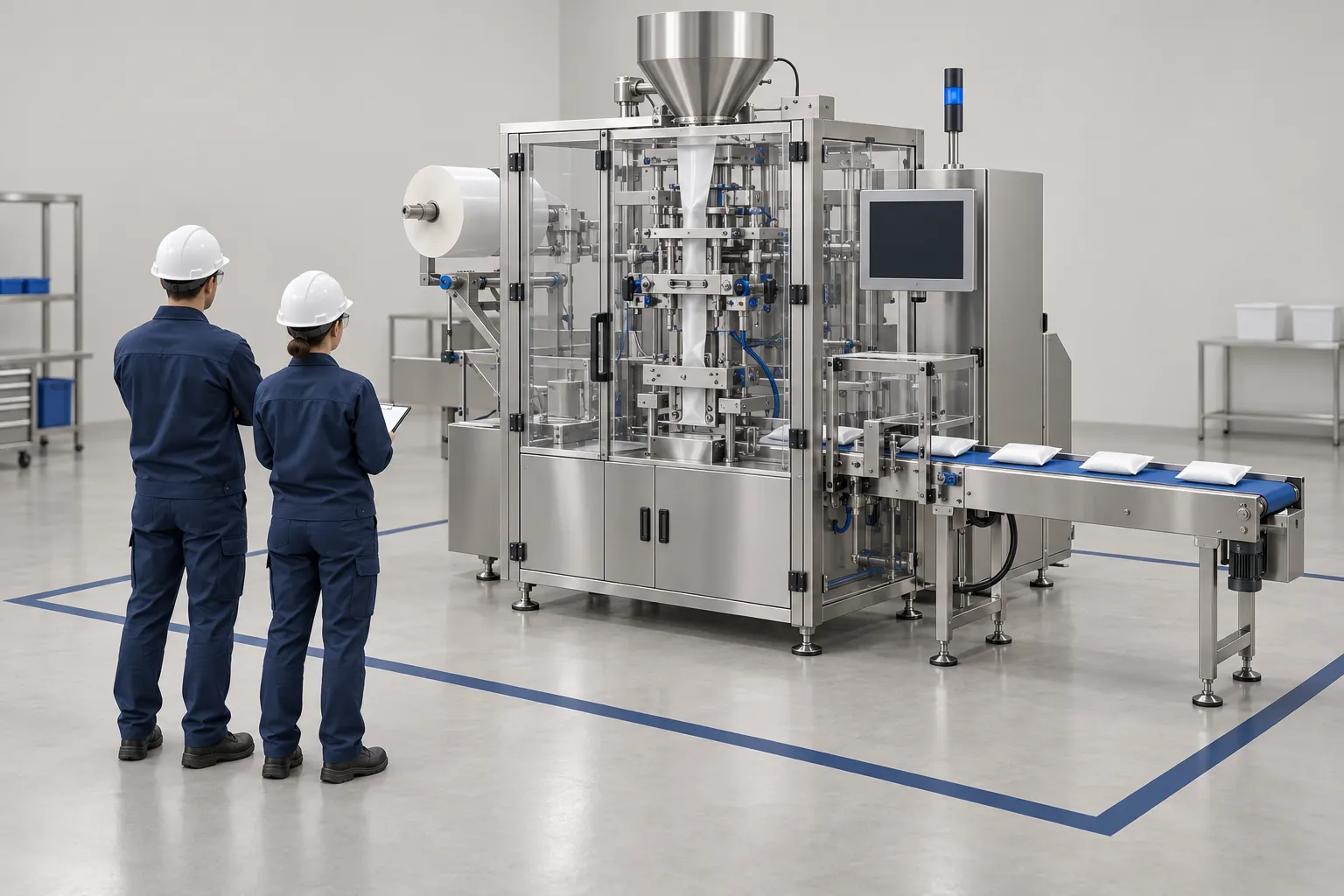
FAT vs. SAT for Packaging Equipment: Defining Acceptance Criteria
Compare factory and site acceptance tests for packaging machines, and learn how to write acceptance criteria that both buyer and supplier can verify.
Read guide
Packaging Machine RFQ Checklist: Information Suppliers Need
A reusable blank RFQ template for packaging machines in nine sections, with the reason suppliers need each item and a list of commonly missed details.
Read guide