
Packaging Line QC Checklist: In-Process Fields for Weight, Seal, Code and Reject Verification
Build an in-process packaging line QC checklist template in Excel with worksheet fields for net weight, tare, heat-seal checks, code verification and reject logs.
Structure a packaging line quality control checklist template in Excel around three blocks: a locked run-header block for lot and metrology constants, a pre-start line-clearance block, and a time-windowed patrol block that records actual measured values for net weight, seal integrity, code verification, and physical reject confirmation.
Applies to: Quality engineers, packaging supervisors, and operators designing or auditing shift-level Excel inspection workbooks for filling, sealing, labeling, checkweighing, and metal-detection lines.
When building a quality control checklist template in Excel for an active packaging line, replace batch-level pass-or-fail checkboxes with timestamped rows that capture actual observations, roll identifiers, sample measurements, and reject-sensor checks. Static task trackers leave plant quality teams unable to isolate suspect product between patrol intervals when a weighment, seal check, date code, or reject challenge fails.
Organize your Excel workbook around the physical stations on the line and the quarantine window between checks. Separate fixed product-run reference constants at the top of the sheet from pre-start line clearance and recurring in-process patrol rows below. For the broader relationship between packaging materials, off-line package testing, and in-line equipment, return to our materials and inspection guides.
Structure the Excel workbook around three inspection blocks
Divide the worksheet into three distinct blocks before assigning operator data-entry cells. Keep product and metrological reference constants locked in the header block, place pre-start clearance and equipment readiness checks in the startup block, and reserve the main scrolling table for time-windowed patrol rows triggered by scheduled intervals, material splices, or line faults. To match each worksheet column to the physical station on your conveyor, review packaging inspection equipment types.
| Workbook block | Operational decision | Worksheet columns to include |
|---|---|---|
| Run header and reference constants | Which product, lot, packaging rolls, and target limits govern the shift? | Product identity, container description, lot code, roll batch identifiers, labeled quantity, tare mode, error limits, and reject timer settings |
| Pre-start line clearance and readiness | Is the packaging area clear of prior product and unsuitable materials before startup? | Prior-product removal check, unsuitable-material removal check, scale zero check, reject timer check, and start-of-day detector challenge |
| Net weight patrol block | Does the sampled group meet average net content and individual error limits? | Gross weight, tare weight, net weight, package error, sample mean, and checkweigher zone totals |
| Heat-seal and leak patrol block | Do sampled packs maintain seam peel behavior and gross-leak integrity? | Tail-support technique, peel force, specimen failure mode, and internal pressurization bubble check |
| Code and label patrol block | Do printed codes, variable text, barcodes, and label positions match the batch record? | Printed lot string, variable text check, barcode scan check, label orientation, and roll reconciliation |
| Reject verification and hold block | Did challenged packs physically divert into the bin, and where does a hold start if a check fails? | Test-piece challenges, reject confirmation sensor status, bin-full sensor status, prior passed timestamp, and reviewer sign-off |
Why static pass-or-fail sheets fail audits and product holds
A single-row batch sheet that only records whether a shift passed or failed omits the concurrent values and observations required for human-food preventive control records (§ 117.305), and the packaging and labeling clearance and batch-header entries required for pharmaceutical batch records (§ 211.130 and § 211.188). When an operator enters a checkmark without recording the measured value, the time of the observation, and the active packaging roll, the worksheet cannot show when drift began or which pallets belong in containment.
For human-food preventive control records, federal regulations establish explicit recordkeeping, retention, corrective-action, and review duties:
Under § 117.305, preventive control records must contain the actual values and observations obtained during monitoring and verification activities.
Preventive control records must be accurate, indelible, and legible.
Preventive control records must be created concurrently with performance of the activity documented.
Preventive control records must include the date and, when appropriate, the time of the activity documented.
Preventive control records must include the signature or initials of the person performing the activity.
Preventive control records must include, where appropriate, the identity of the product and the lot code, if any.
All records required by this part must be retained at the plant or facility for at least 2 years after the date they were prepared.
Corrective action procedures require that all affected food is evaluated for safety.
Corrective action procedures require preventing all affected food from entering into commerce if the facility cannot ensure the affected food is not adulterated.
A preventive controls qualified individual must prepare or oversee a written justification when review of monitoring and corrective action records exceeds 7 working days.
Translate each of those record rules into a dedicated Excel column rather than a free-text comment box. Format the date and time cells as required entries on every patrol row, place an operator-initials column beside each measurement group, and add a reviewer sign-off block at the bottom of the sheet so delayed reviews are flagged immediately.
Build the pre-start line clearance and batch header block
Before the filler or bagger cycles its first container, the worksheet should verify that the line is cleared of previous product and obsolete rollstock, and that every component batch and line identifier is tied to the production run. Place these fields directly above the patrol table so the operator completes clearance before logging first-article samples. When planning the mechanical and recipe steps that accompany a product transition, pair this block with the format changeover checklist.
For pharmaceutical packaging and batch production records, federal regulations specify the following clearance and batch-header entries:
Packaging and labeling facilities must be inspected immediately before use to assure that all drug products from previous operations have been removed.
Pre-use inspection must also assure that packaging and labeling materials not suitable for subsequent operations have been removed, with results documented in the batch production records.
Batch production and control records under § 211.188 must include dates, identity of individual major equipment and lines used, and specific identification of each batch of component or in-process material used.
Batch production and control records must include in-process and laboratory control results, inspection of the packaging and labeling area before and after use, and complete labeling control records.
Include a dedicated roll-change log inside the batch header block. Whenever an operator splices a new film reel, lidding roll, or pressure-sensitive label reel during the shift, require a new row entry that records the incoming roll batch identifier and timestamp before production resumes. Linking that material batch entry to packaging film and machine compatibility checks helps trace whether a sudden shift in seal behavior or web tracking started at a splice.
Field Group A: Net weight, tare mode, and package error columns
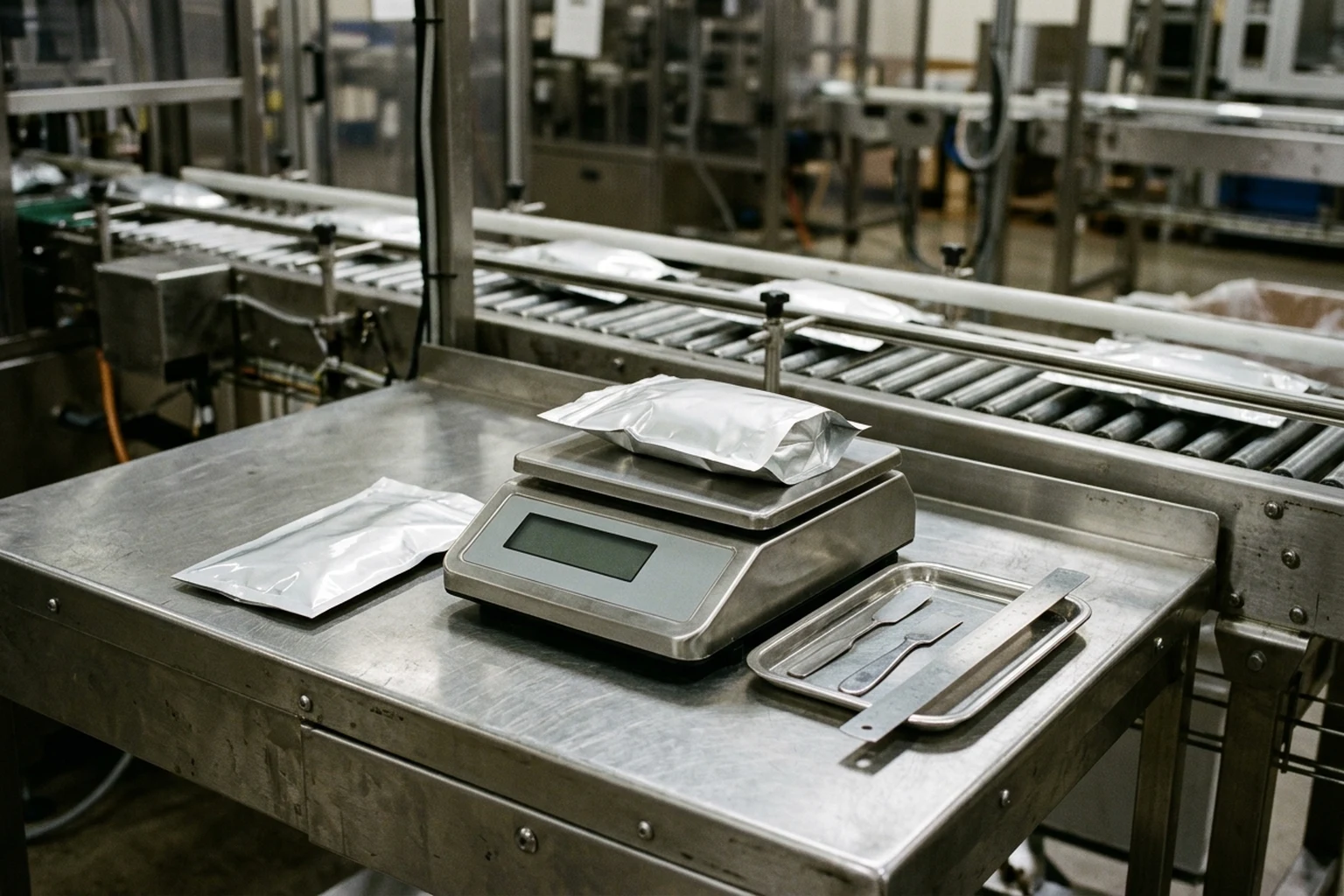
Design the net-weight section of the Excel sheet to separate fixed lot reference parameters from per-package sample measurements. An operator weighing sample packs on an off-line bench scale or recording totals from an in-line checkweigher needs both the lot average comparison and the individual minus-error boundary visible on the same screen. If your team is still deciding how weight checks and contaminant checks divide line duties, see checkweighers versus metal detectors.
Metrological net-content inspection and catchweighing references define the core lot, average, tare, worksheet, and error-limit rules:
An inspection lot is defined as a collection of identically labeled packages available for inspection at one time, which passes or fails as a whole based on sample test results.
Under the Handbook 133 – 2026 Average Requirement, the average net quantity of contents of packages in a lot must at least equal the net quantity of contents declared on the label.
A Maximum Allowable Variation (MAV) is a deviation from the labeled weight, measure, or count of an individual package beyond which the deficiency is considered an unreasonable minus error.
The model inspection report form records Product/Brand Identity, Manufacturer, Container Description, Lot Codes, Labeled Quantity, Unit of Measure, MAV, Inspection Lot Size, and Sample Size (n).
The package checking worksheet records Avg Tare Wt, Nominal Gross Wt, Used Dry Tare, Wet Tare, or Unused Dry Tare, and per-package Gross Wt, Tare Wt, Net Wt, and Package Error.
A T1 error is a deficiency greater than the applicable tolerable deficiency (T) (see 2.1.17) but not greater than twice the applicable tolerable deficiency (2T), where (Qnom – 2T) <= Qi < (Qnom – T).
A T2 error is a deficiency greater than twice the applicable tolerable deficiency (2T) for the given nominal quantity, where Qi < (Qnom – 2T).
Under OIML R 87:2016, the average actual quantity of product in prepackages shall be at least equal to the nominal quantity, no more than 2.5 % of packages in a homogenous group shall have T1 errors, and no prepackage shall have a T2 error.
Under T.2.10.8.3, an automatic zero-setting device on a catchweighing instrument sets the indication to zero automatically without the intervention of an operator.
In the Thompson Scale Model 4693 checkweigher manual, checkweigher production totals display total units, total weight, a breakdown of units categorized in five weight zones (adjusted by Target weight, Low Reject, Low Pass, High Reject, and High Pass in the product recipe), and a Mean Unit Weight.
Lock the labeled quantity, unit of measure, tare mode selection, average tare weight, nominal gross weight, and applicable individual deficiency limit in the top reference block of the worksheet. In the patrol rows below, have the sheet subtract average tare weight from each sampled gross weight to display net weight and package error, and record the in-line checkweigher’s mean unit weight and zone counts alongside the bench-scale sample.
Field Group B: Heat-seal strength and gross-leak test columns
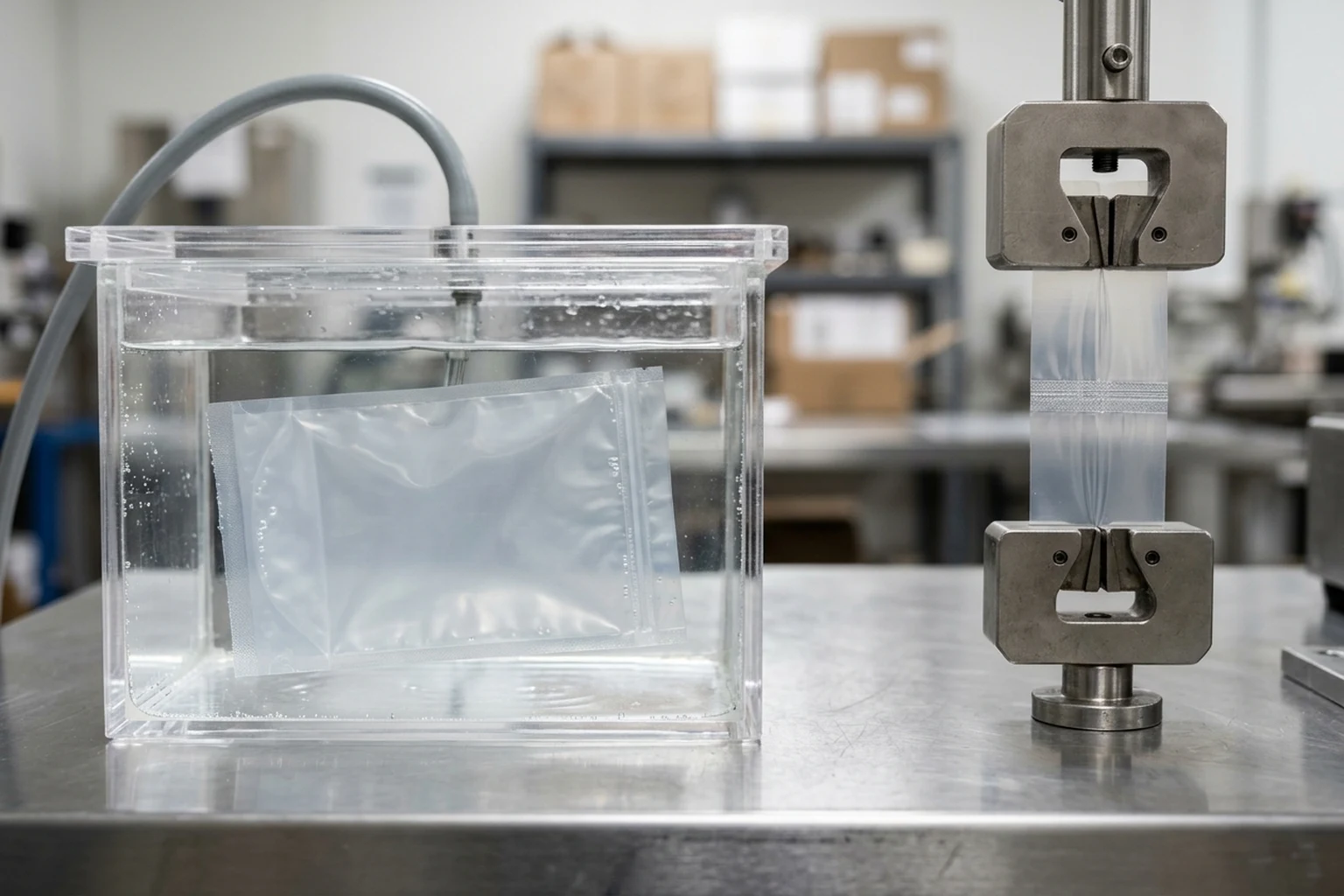
Visual inspection of a heat seal catches gross wrinkles or product trapped in the jaws, but it does not measure the force required to separate the seam or confirm whether a channel leak passes gas under pressure. Include off-line destructive test columns in your patrol log so operators record how the seal was supported during peel testing, how the specimen failed, and whether pressurized pouches or trays showed bubble streams. When a patrol sample reveals delamination, channel leaks, or jaw contamination, follow the containment and root-cause steps in the seal defect investigation checklist.
Published package-testing methods define the scope and reporting variables for peel-strength and bubble-leak checks:
Under ASTM F88/F88M-23, seal strength is a quantitative measure for process validation, capability, and control, measuring the force required to separate a test strip containing the seal and identifying the mode of specimen failure.
Because a portion of measured force may be a bending component, the test method specifies Technique A (Unsupported), Technique B (Supported 90° By Hand), and Technique C (Supported 180° against a rigid alignment plate).
ASTM F2096 covers destructive internal pressurization (bubble test) to detect gross leaks in tray and pouch packages, with method sensitivity down to 250 μm (0.010 in.) with an 81 % probability.
Add three dedicated seal-evaluation columns to the Excel sheet rather than a single seal pass box: one column for the locked tail-support technique in the run header, one column for the measured peel value and observed specimen failure mode, and one column for the internal-pressurization bubble observation and leak location on the pouch or tray perimeter.
Field Group C: Date code, variable text, barcode, and label reconciliation columns
Your Excel patrol log should pair human-readable code transcription with machine-vision verification status and end-of-run label reconciliation.
Pharmaceutical finishing rules and industrial machine-vision documentation establish the following examination, reconciliation, and print-inspection checks:
Under § 211.134, packaged and labeled products shall be examined during finishing operations to provide assurance that containers and packages in the lot have the correct label.
A representative sample of units shall be collected at the completion of finishing operations and visually examined for correct labeling, with results recorded in batch production or control records.
Labeling reconciliation is waived for cut or roll labeling if a 100-percent examination for correct labeling is performed in accordance with § 211.122(g)(2).
The JLI Label Inspection System detects the exact location and orientation of labels, rejecting any drift in alignment, and automatically verifies printed labels including variable text (ASCII characters) and barcode fields.
JLI Vision’s Print Inspection system inspects prints immediately after production and can activate a reject mechanism if discrepancies are detected.
On each patrol row, require the operator to transcribe the exact printed date and lot string from a sampled pack rather than writing “legible.” Beside that transcription, log whether the vision camera verified label alignment, variable text, and barcode readability, and whether a discrepancy challenge triggered the reject actuator. In the end-of-run block, include roll-label reconciliation cells or document the applicable full-inspection examination basis.
Field Group D: Metal detector and checkweigher reject verification log
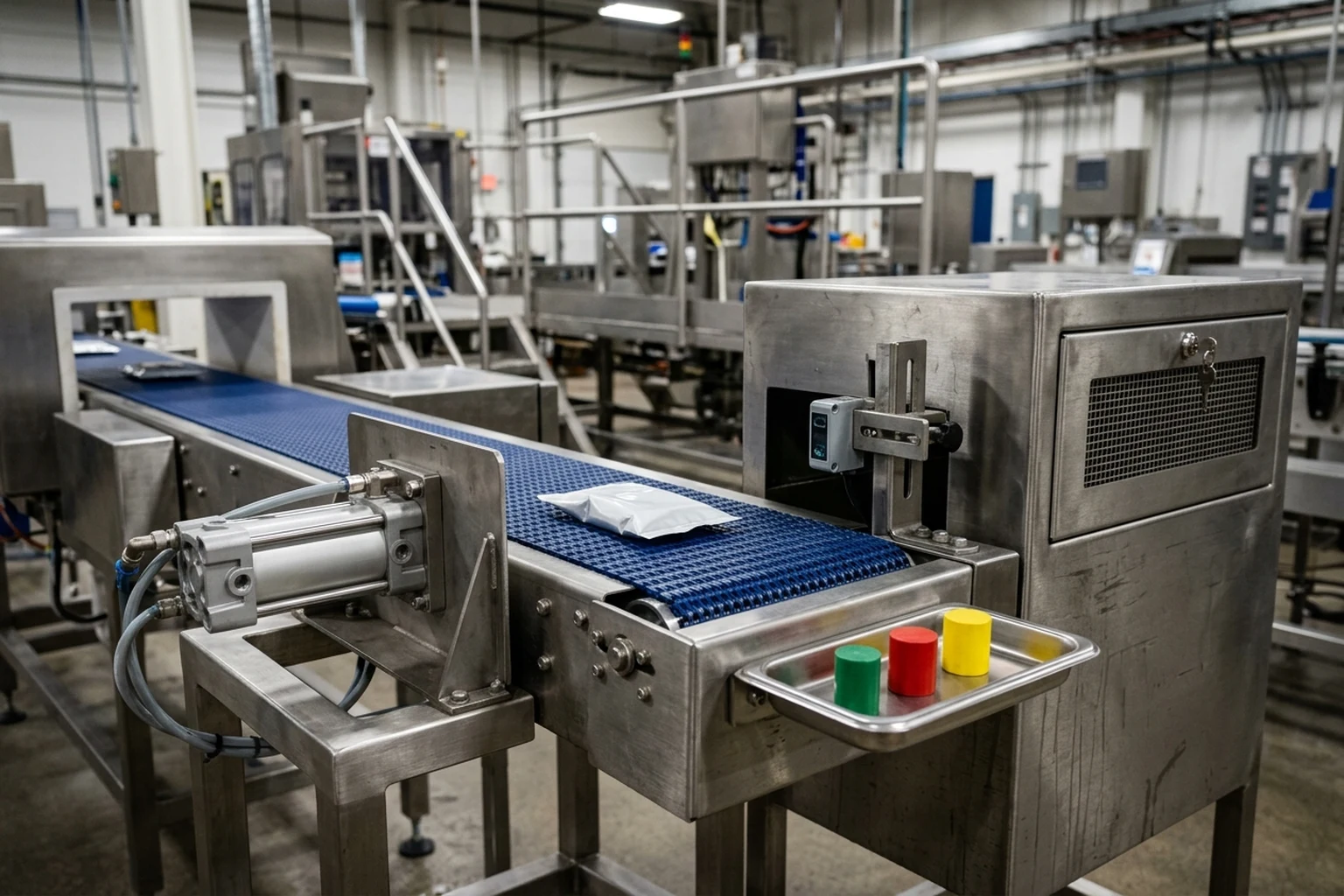
A metal detector or checkweigher that senses a fault protects the line only when the actuator physically diverts the suspect pack into a secured container and the confirmation sensor verifies removal. If a Model 4693 reject solenoid timer is misconfigured so Time Duration is set to zero or higher than 25 seconds, the reject output will not actuate. If the reject lane full photo-eye is blocked by a rejected package for 5 seconds or more, the controller registers an error condition while the checkweigher continues weighing packages and actuating reject signals. For shared-frame station order and separate weight versus metal destinations, see checkweigher and metal detector combo systems and the packaging line integration checklist.
Regulatory hazard guidance and OEM equipment manuals detail the placement, challenge frequency, hold boundary, timer limits, and photo-eye confirmation behavior that govern a reject verification log:
On-line metal detection equipment continuously monitors product after the last step at which metal inclusion is reasonably likely to occur, such as after bottling and sealing.
FDA’s Health Hazard Evaluation Board has supported regulatory action against product with glass fragments of 0.3” (7 mm) to 1.0” (25 mm) in length, citing FDA Compliance Policy Guide 555.425.
For on-line metal detection, FDA recommends confirming that the detection device is operating correctly at least at the start of each production day.
For visual equipment monitoring of metal-fragment hazards, FDA recommends checking before starting operations each day, at least every four hours during operation, at the end of operations each day, and after equipment malfunctions.
When broken or missing metal parts are observed at a CCP, the line is stopped and product that moved through that area since the last inspection is placed on hold for further action, such as running through off-line metal detection equipment.
In the Thompson Scale Model 4693 checkweigher manual, when the reject output is generated by the checkweigher controller, the Reject Confirmation photo-eye must become momentarily blocked within 1 second of the reject actuation, or an error condition occurs.
In the Thompson Scale Model 4693 checkweigher manual, if the reject lane full photo-eye is blocked by a rejected package for 5 seconds or more, it causes an error condition, while the checkweigher continues weighing packages and actuating reject signals as normal even if this error occurs.
In the Thompson Scale Model 4693 checkweigher manual, the checkweigher controller contains two timers for operation of the reject device, and if Time Duration is set to zero or higher than 25 seconds, the reject output will not actuate.
The LOMA IQ4 & CW3 combination system detects Ferrous, Non-Ferrous, and Stainless steel grade metals with automatic rejection of contaminated products.
The LOMA IQ4/CW3 combination system features multilevel password protection logged against events for traceability (CFR21 part11) and PVS Enabled capability.
The LOMA IQ4/CW3 combination system has a 5 - 75 m/min speed range, requires a 5 to 8 Bar (10mm Outside Dia) 72-116 PSI air supply, and is supplied with two automatic reject stations (Pusher, Air-blast, or Retracting band).
Structure the reject verification block in Excel so that each challenge test logs three separate observations: detection of the ferrous, non-ferrous, stainless-steel, or weight challenge pack; physical diversion by the reject actuator; and confirmation from the reject-confirmation and bin-full photo-eyes. Notice the critical operational distinction documented in the checkweigher manual above: when a reject-lane-full sensor triggers an error while the scale continues weighing and firing reject signals. Always include a “Last Satisfactory Patrol Timestamp” cell in the corrective-action columns so quality staff can bound the exact hold window whenever a challenge fails or missing machine parts are found.
Copy-ready Excel column schema for packaging line QC patrols
Copy the table below into a blank Excel worksheet to establish your three-block inspection template. Place the Run Header rows in frozen top cells, complete the Pre-Start Clearance rows before releasing the filler, and enter a new Patrol Log row at startup, at each scheduled interval, at every packaging-film or label roll splice, after any equipment malfunction, and at the end of the production run.
| Worksheet block | Column header | Data type or entry rule | Quarantine or corrective trigger |
|---|---|---|---|
| Run Header | Production Date and Shift | Locked date and shift identifier | Required before logging startup clearance |
| Run Header | Line and Major Equipment IDs | Filler, sealer, checkweigher, detector, and vision station identifiers | Verify against batch record assignment |
| Run Header | Product Identity and Container Description | Product name, pack format, and film or rigid container description | Cross-check against active recipe and label artwork |
| Run Header | Finished Lot Code and Active Roll Batch IDs | Exact printed lot string and incoming film, pouch, or label roll numbers | Log a new row whenever a roll splice occurs |
| Run Header | Weight Constants and Tare Mode | Labeled quantity, unit of measure, tare mode, average tare weight, nominal gross weight, and error limits | Hold and re-verify if tare weight shifts at a roll change |
| Run Header | Seal and Reject Constants | Locked tail-support technique, air supply pressure check, reject timer settings, and reference test-piece identifiers | Verify reject timer is within operating bounds before startup |
| Pre-Start Clearance | Prior Product and Unsuitable Material Removal | Concurrent visual verification before line release | Do not start filling until previous product and obsolete labels are removed |
| Pre-Start Clearance | Scale Auto-Zero and Start-of-Day Detector Check | Zero indication check and pre-run ferrous, non-ferrous, stainless, and weight challenges | Stop release if any challenge pack fails detection or physical diversion |
| Patrol Row Traceability | Patrol Timestamp, Trigger Reason, and Operator Initials | Concurrent time entry, trigger reason, active roll identifier, and operator initials | Establishes the hold boundary for subsequent checks |
| Patrol Weight Group | Sampled Gross Wt, Tare Wt, Net Wt, and Package Error | Actual measured weights for each sampled unit and calculated package error | Hold packs since last passed patrol if sample mean or individual error breaches limits |
| Patrol Weight Group | Checkweigher Mean Unit Weight and Zone Breakdown | Recorded controller totals across target, low-pass, low-reject, high-pass, and high-reject zones | Investigate filler drift or transfer disturbance when zone rejects climb |
| Patrol Seal Group | Peel Force and Specimen Failure Mode | Measured peel value under the locked tail-support technique and observed failure mode code | Contain production since last passed check and open seal investigation on seam failure |
| Patrol Seal Group | Internal Pressurization Bubble Observation | Destructive water-bath pressurization result and leak location on pouch or tray | Stop line and quarantine product since prior satisfactory check if bubbles appear |
| Patrol Code Group | Transcribed Lot String, Variable Text, and Barcode Check | Exact human-readable string copied from pack plus vision alignment, text, and barcode status | Quarantine unlabeled or misprinted packs since last passed patrol |
| Patrol Reject Group | Metal and Weight Challenge Results | Recorded pass and reject actuation for ferrous, non-ferrous, stainless-steel, and weight test packs | Stop line and hold product back to last passed check if any test piece passes through |
| Patrol Reject Group | Reject Confirmation and Bin-Full Photo-Eye Status | Verification that reject confirmation sensor blocked on time and reject lane full sensor is clear | Clear jammed chute and re-inspect product if bin-full error occurred during run |
| End-of-Run & Review | Finishing Sample, Label Reconciliation, and Hold Window | End-of-run sample examination, roll reconciliation or full-inspection basis, and hold-window timestamps | Prevent held product from entering commerce until safety evaluation and qualified review complete |
Sources
- U.S. Food and Drug Administration — Current Good Manufacturing Practice and Preventive Controls for Human Food Records
- U.S. Food and Drug Administration — Current Good Manufacturing Practice for Finished Pharmaceuticals Packaging and Labeling Control
- U.S. Food and Drug Administration — Juice Hazard Analysis Critical Control Point Hazards and Controls Guidance
- National Institute of Standards and Technology — Handbook 133 – 2026 Checking the Net Contents of Packaged Goods
- International Organization of Legal Metrology — OIML R 87:2016 Quantity of Product in Prepackages
- International Organization of Legal Metrology — Automatic Catchweighing Instruments Recommendation
- Thompson Scale Company — Model 4693 Heavy-Duty In-Motion Checkweigher Manual
- LOMA Systems — IQ4/CW3 Checkweigher and Metal Detector Combination System Datasheet
- ASTM International — ASTM F88/F88M-23 Seal Strength of Flexible Barrier Materials
- ASTM International — ASTM F2096 Detecting Gross Leaks in Packaging by Internal Pressurization
- JLI Vision — Machine Vision for Packaging Label and Print Inspection
Update history
- : First published.
Next steps
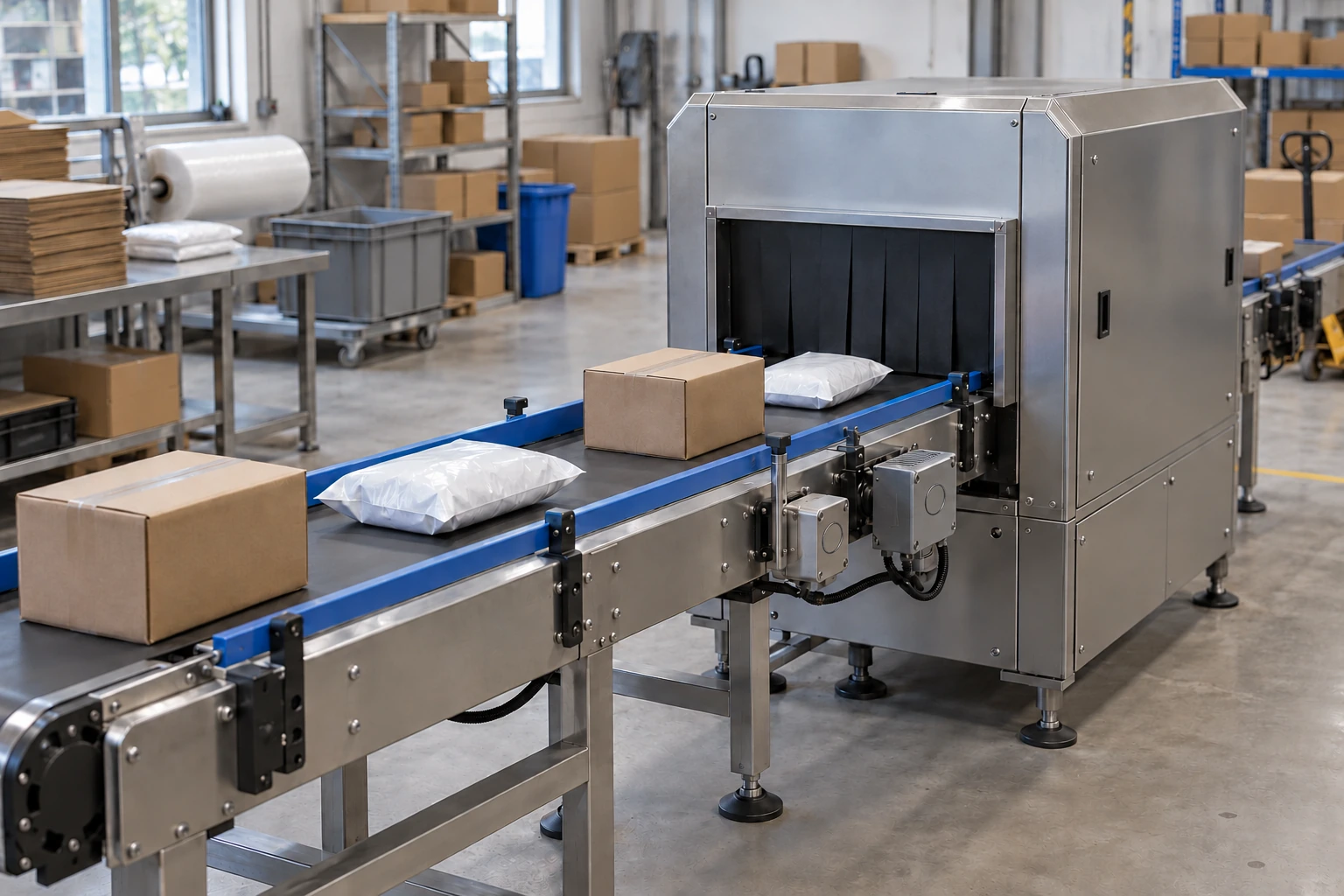
Packaging Inspection Equipment: Match the Inspection Job
Match checkweighers, metal detectors, X-ray, vision and leak tests to packaging defects, then plan inspection positions, samples and rejection evidence.
Read guide
Checkweigher and Metal Detector Combo Systems: Layout and Rejects
Plan checkweigher and metal detector combo systems around station order, pack transfers, reject routing and metallized-film detection limits.
Read guide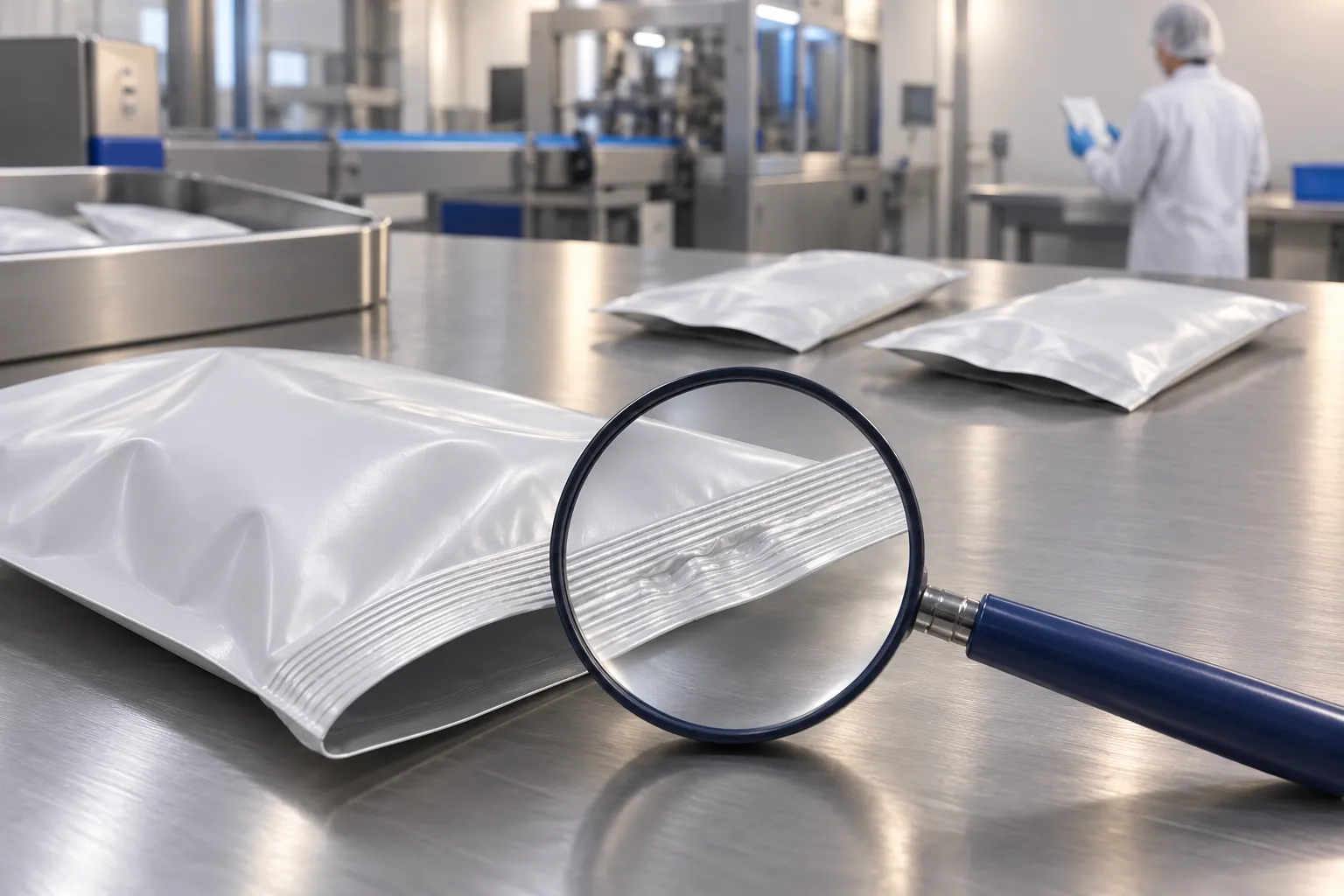
Packaging Seal Defects: An Evidence-Based Investigation Checklist
Investigate packaging seal defects by containing suspect product, collecting evidence, testing with agreed methods and changing one variable at a time.
Read guide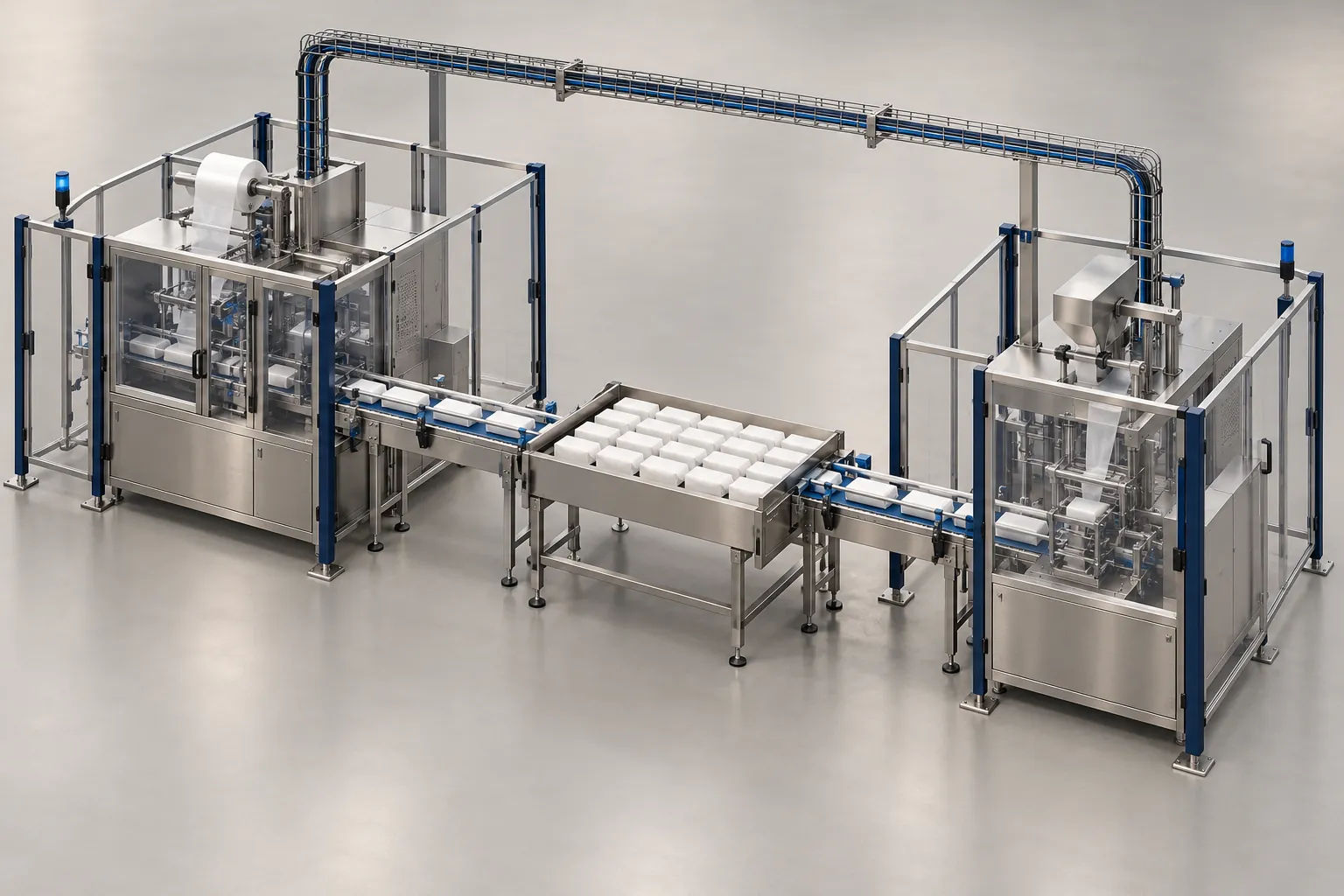
Packaging Line Integration Checklist: Interfaces to Confirm Before Ordering
Checklist of mechanical, electrical, signal, communication, safety and utility interfaces to settle before ordering a machine for a packaging line.
Read guide